Nhà sáng tạo videoitzuke cubing24,5 N người theo dõi·
In the analyzed video, itzuke cubing uses a First-person POV structure, opens with Question hooks, and builds purchase intent through Convenience angle. This observation is based only on this video's script, storyboard, and public performance data.
In the analyzed video, itzuke cubing uses a First-person POV structure, opens with Question hooks, and builds purchase intent through Convenience angle. This observation is based only on this video's script, storyboard, and public performance data.
Một câu hỏi trực tiếp và thường hơi khiêu khích, chẳng hạn “tại sao cái của cô ấy lại lớn hơn nhiều vậy?!”, có thể thu hút sự chú ý hiệu quả. Bằng cách chạm vào trải nghiệm chung hoặc sự tò mò chưa có lời giải, cách mở đầu này nhanh chóng tạo liên hệ và khiến người xem ở lại để tìm câu trả lời hoặc giải pháp.
Góc nhìn này khiến người xem có cảm giác như đang trực tiếp trải nghiệm. Cảnh quay selfie cầm tay thể hiện chi tiết sản phẩm và quá trình sử dụng, tạo cảm giác chân thực, sống động, rút ngắn khoảng cách với người xem và khơi gợi nhu cầu mua hàng.
Trải nghiệm sử dụng liền mạch hoặc tính đa năng là yếu tố quan trọng giúp sản phẩm thành công. Việc thể hiện quy trình thuận tiện từ mở hộp đến sử dụng, hoặc nhấn mạnh thiết kế đa năng có thể thái lát, bào sợi và ép nước, sẽ thu hút hiệu quả người tiêu dùng đề cao sự nhanh chóng và tiện lợi.
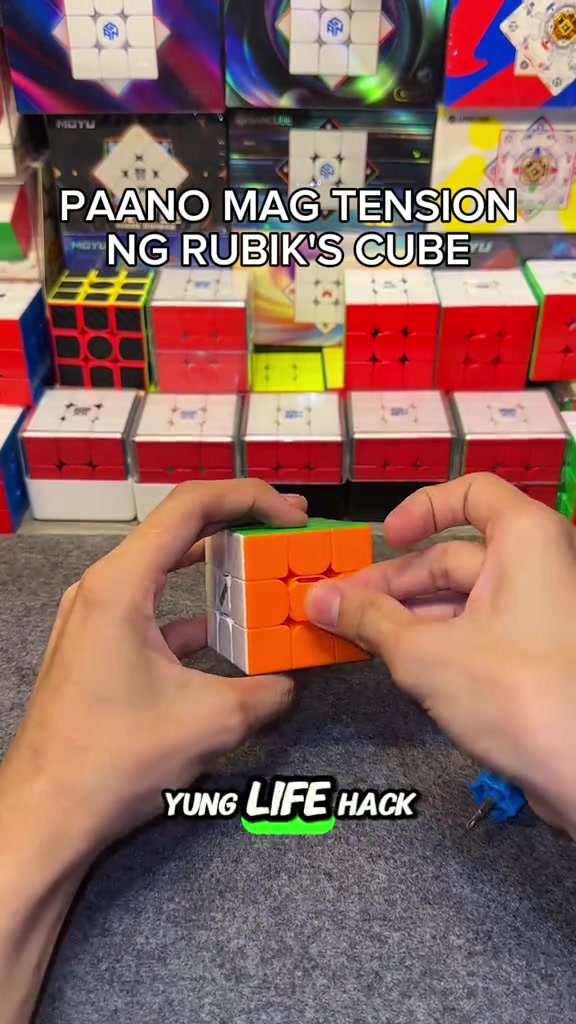
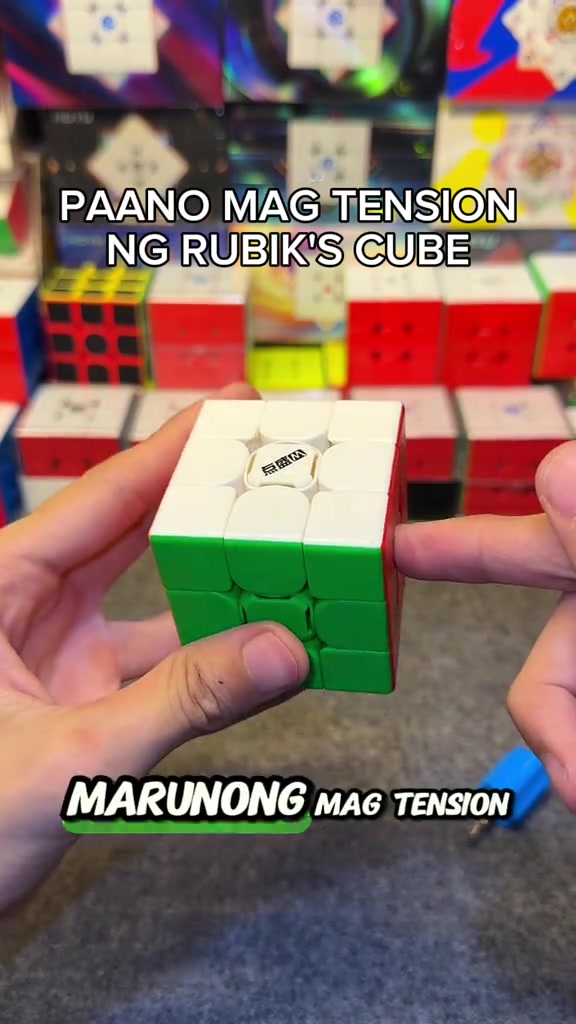
So how do you adjust the tension of the cube? When you get the cube, if you don't like it or its corner cutting performance is really bad, all you need is this screwdriver, a regular screwdriver works too. This DianSheng Solar M comes with this tool in its box.
Instructions for Use
So you open all the sides. We open all the center caps, all six sides. You just put it on the top, then turn it until two colors align. Like this, right? Make sure it's tightened properly, so one, two.
Instructions for Use
So the white face is done, put the center cap back as a marker so you don't get confused about which ones you've adjusted. We turn until blue and red align, it's done, put the center cap back, for the rest of the faces just turn one, two.
Product Benefits
This life hack lets you easily loosen your Rubik's cube tension, its corner cutting is way better than before now that we've loosened it, and it's much smoother. Try this on your cube if you just got a new one, or you're a beginner who doesn't know how to adjust tension yet.
Call to Action
Comment below if your cube's feel got better, and if its corner cutting improved. Follow me too, I'll upload more tutorials like this later.
Phân tích storyboard
Close-up
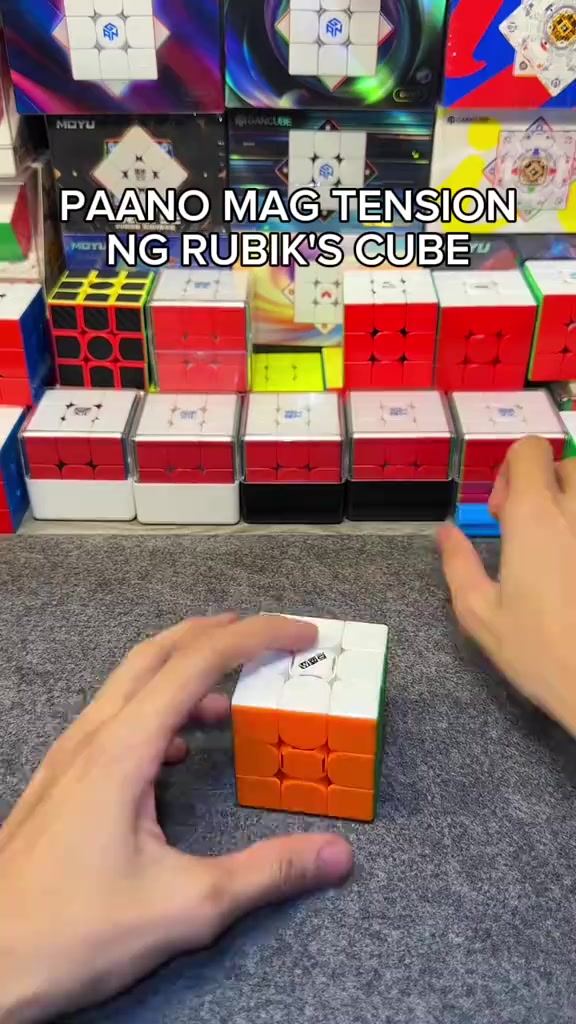
In an indoor Rubik's cube studio setting, a pair of hands operates a 3x3 Rubik's cube on a gray flocked desktop, first picking up the cube to show the center logo face, then taking out the matching blue cube screwdriver to demonstrate its appearance, with multiple packaged Rubik's cubes neatly displayed in the background under bright soft lighting.
Medium Close-up
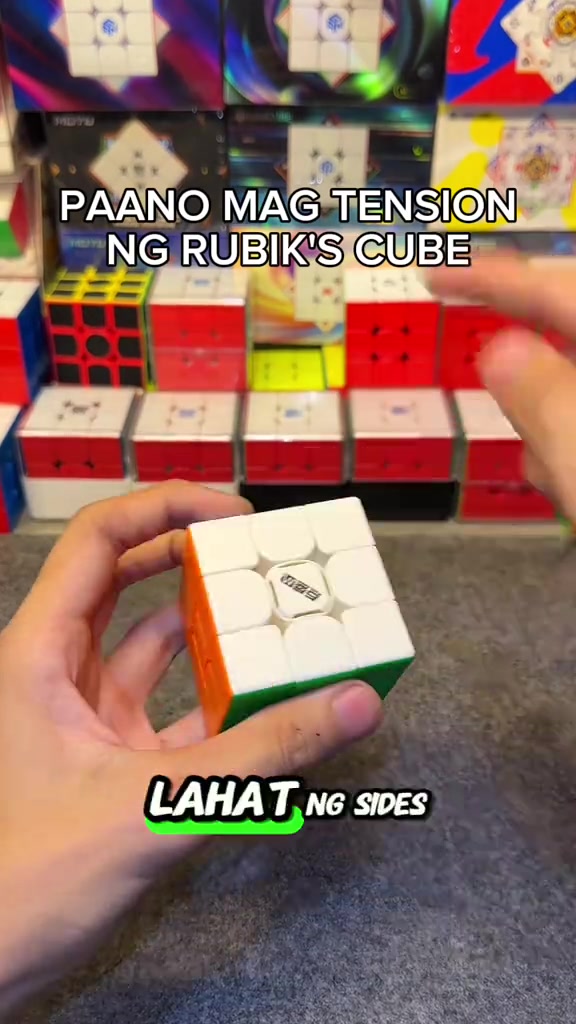
The hands pry off the center caps of all six faces of the Rubik's cube in sequence, arrange the removed colorful center caps neatly on the gray desktop, then use the blue screwdriver to align with the screw at the center of the cube's top face for tension adjustment, with the cube product display shelf in the background.
Medium Close-up
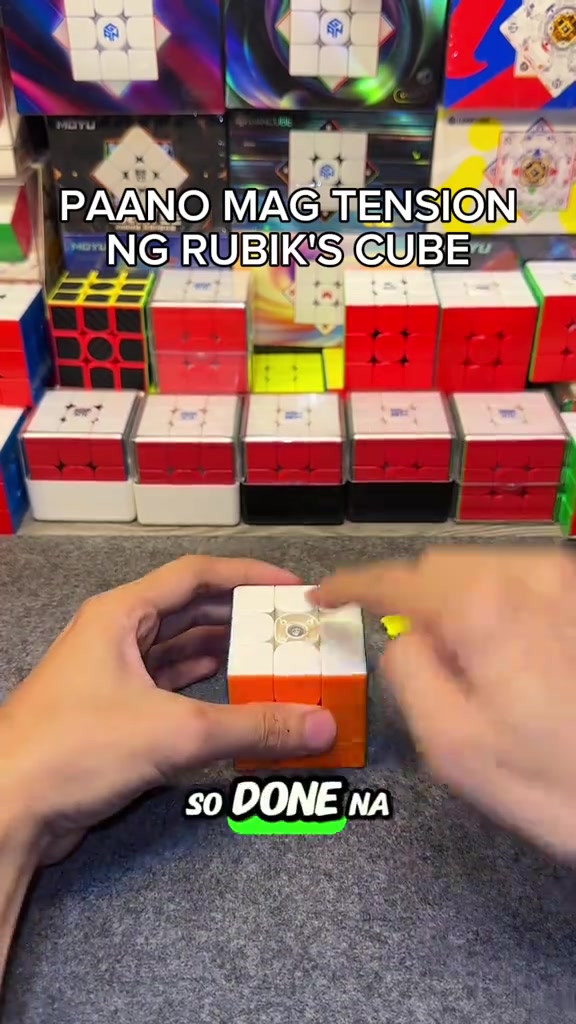
The hands press the white top face center cap back onto the cube's top face to secure it, then flip the cube to the yellow face and orange face in turn, use the screwdriver to turn the corresponding screws to adjust tension for each face, and install the matching center cap after finishing adjustment for each face.
Medium Shot
After all center caps are installed, the hands quickly twist the Rubik's cube to demonstrate the smooth handling and corner cutting effect after adjustment, then hold the cube still to show its overall appearance, with the cube display shelf in the background.
Medium Shot
A FOLLOW button effect with a pointing cursor pops up on the screen, the hands keep flipping the Rubik's cube to show the appearance of different faces, then quickly twist the cube to demonstrate its smooth handling, ending the adjustment demonstration.
Câu hỏi thường gặp
Câu hỏi về video HOW TO ADJUST THE TENSION OF A RUBIK'S CUBE
Các câu hỏi về chiến lược sáng tạo, nhà sáng tạo, chỉ số và cách tạo video tương tự.
Video sản phẩm DianSheng 2026 New Edition 3x3 Magnetic Speed Cube sử dụng cách mở đầu nào?
Video bắt đầu bằng “Mở đầu bằng câu hỏi”. Phân loại này dựa trên nội dung đã thu thập và dữ liệu phân tích, giúp hiểu cách video thu hút sự chú ý trong vài giây đầu.
Video sử dụng góc bán hàng và cấu trúc nội dung nào?
Góc bán hàng chính là “Nhấn mạnh tiện lợi” và cấu trúc là “POV ngôi thứ nhất”. Hãy điều chỉnh theo sản phẩm, khán giả và giọng điệu thương hiệu của bạn.
itzuke cubing có phải là nhà sáng tạo video này không?
Dữ liệu hiện tại xác định itzuke cubing là nhà sáng tạo. Khi có sẵn, tên sẽ liên kết tới hồ sơ TikTok công khai.
Tôi có thể dùng video DianSheng 2026 New Edition 3x3 Magnetic Speed Cube để tạo video tương tự không?
Có. Octer tham khảo cách mở đầu, nhịp độ, cấu trúc và cách trình bày, sau đó kết hợp với thông tin sản phẩm của bạn mà không sao chép trực tiếp video gốc.
Lượt xem, tương tác và dữ liệu sản phẩm có theo thời gian thực không?
Không. Trang hiển thị dữ liệu công khai được thu thập gần nhất và có thể chậm do cập nhật nền tảng hoặc chu kỳ báo cáo.
Cần lưu ý gì khi tạo nội dung từ video tham khảo này?
Không sử dụng lại trực tiếp video, âm nhạc, hình ảnh hoặc tài sản thương hiệu của nhà sáng tạo. Hãy xác nhận quyền sử dụng và quy định áp dụng trước khi đăng.