In the analyzed video, itzuke cubing uses a First-person POV structure, opens with Question hooks, and builds purchase intent through Convenience angle. This observation is based only on this video's script, storyboard, and public performance data.
In the analyzed video, itzuke cubing uses a First-person POV structure, opens with Question hooks, and builds purchase intent through Convenience angle. This observation is based only on this video's script, storyboard, and public performance data.
Eine direkte und oft leicht provokante Frage wie „Warum ist ihres so viel größer?!“ zieht wirksam Aufmerksamkeit auf sich. Sie greift eine gemeinsame Erfahrung oder ungeklärte Neugier auf, schafft sofort Relevanz und motiviert Zuschauer, für die Antwort oder Lösung dranzubleiben.
Diese Perspektive vermittelt Zuschauern das Gefühl, das Produkt selbst zu erleben. Handgeführte Selfie-Aufnahmen zeigen Produktdetails und die Anwendung, schaffen authentische Nähe und wecken dadurch das Kaufinteresse.
Ein nahtloses Nutzungserlebnis oder vielseitige Funktionen sind entscheidend für den Produkterfolg. Der einfache Ablauf vom Auspacken bis zur Anwendung oder ein All-in-one-Design zum Schneiden, Raspeln und Entsaften spricht Verbraucher an, die Wert auf Effizienz und Komfort legen.
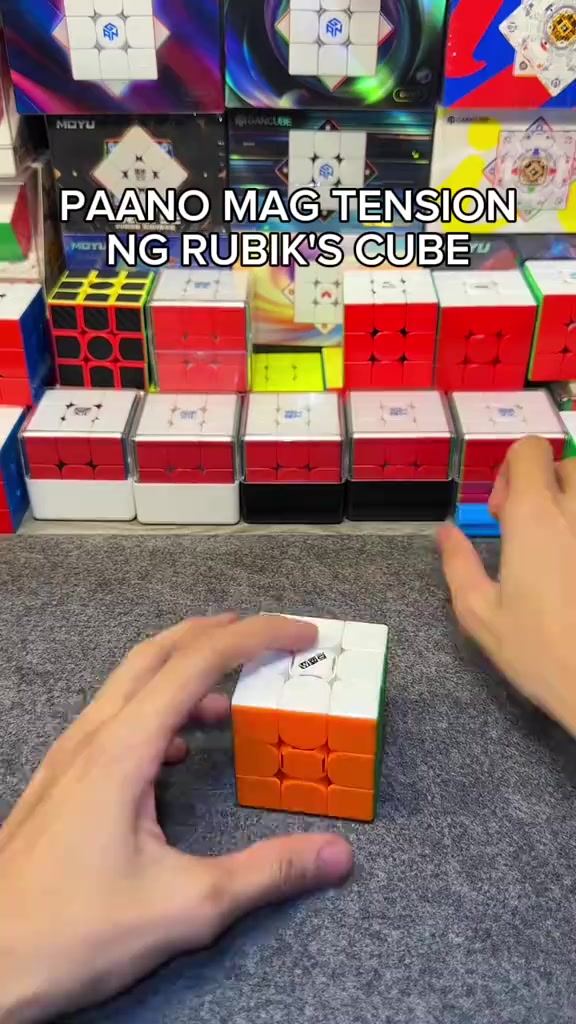
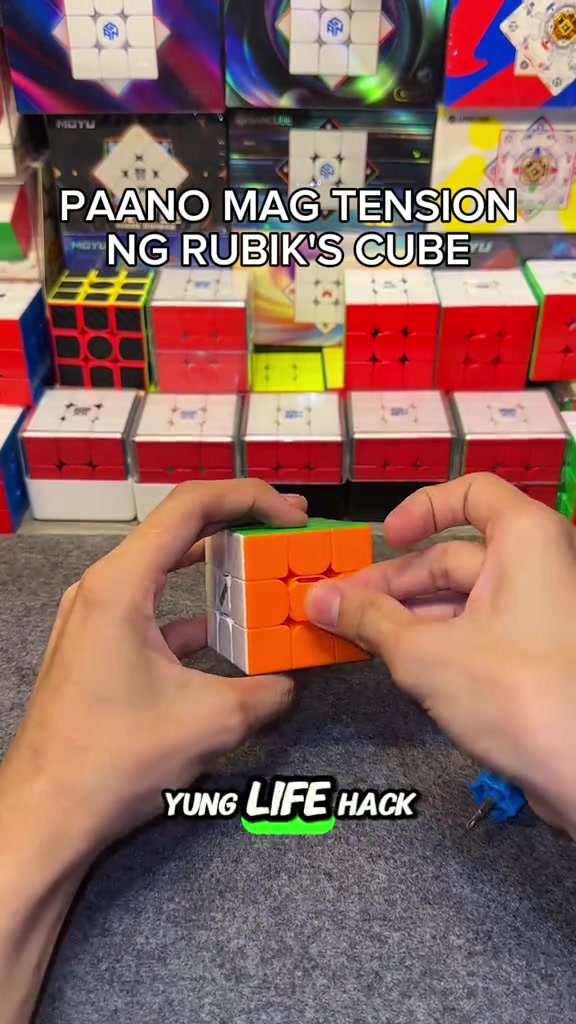
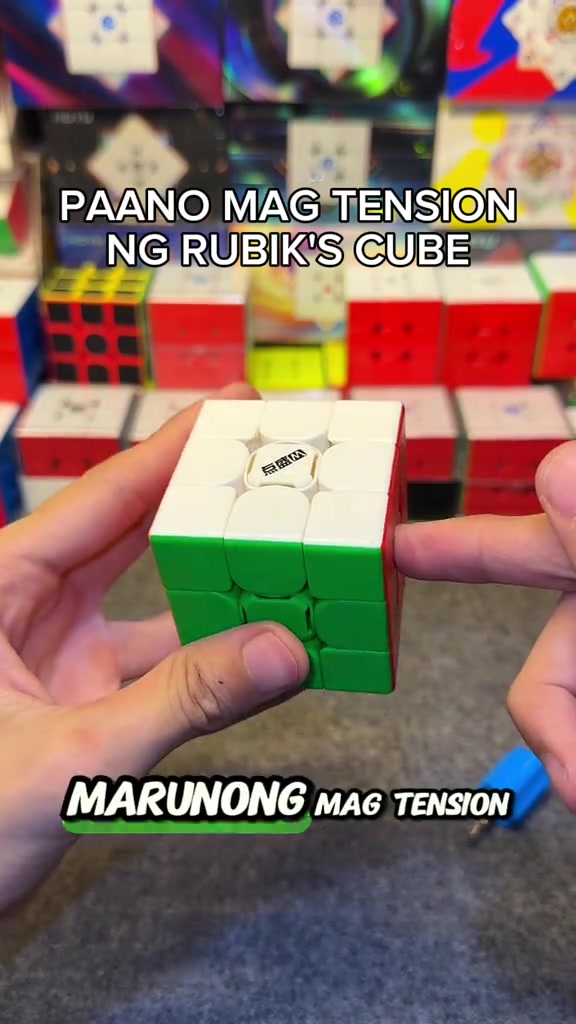
So how do you adjust the tension of the cube? When you get the cube, if you don't like it or its corner cutting performance is really bad, all you need is this screwdriver, a regular screwdriver works too. This DianSheng Solar M comes with this tool in its box.
Instructions for Use
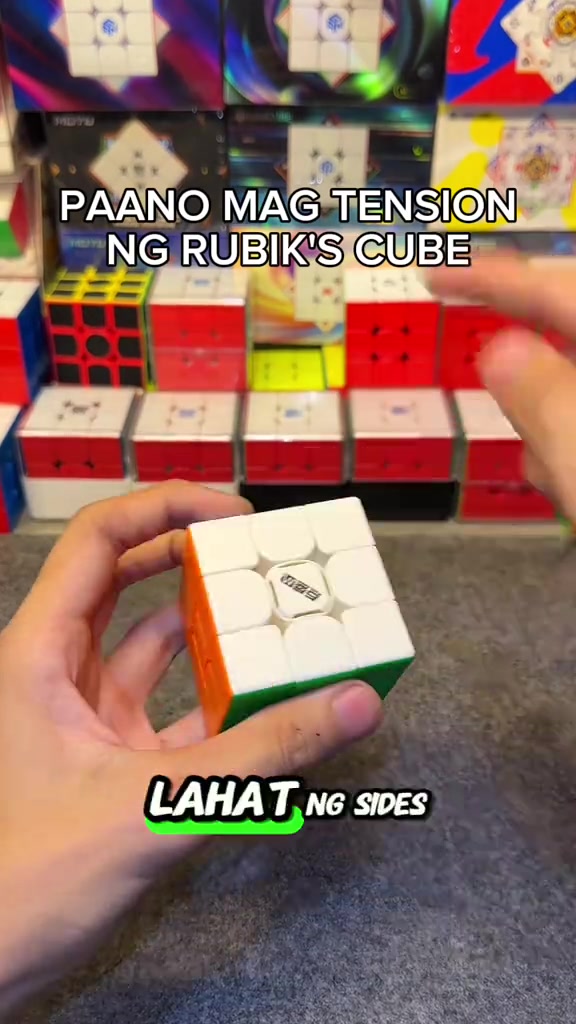
So you open all the sides. We open all the center caps, all six sides. You just put it on the top, then turn it until two colors align. Like this, right? Make sure it's tightened properly, so one, two.
Instructions for Use
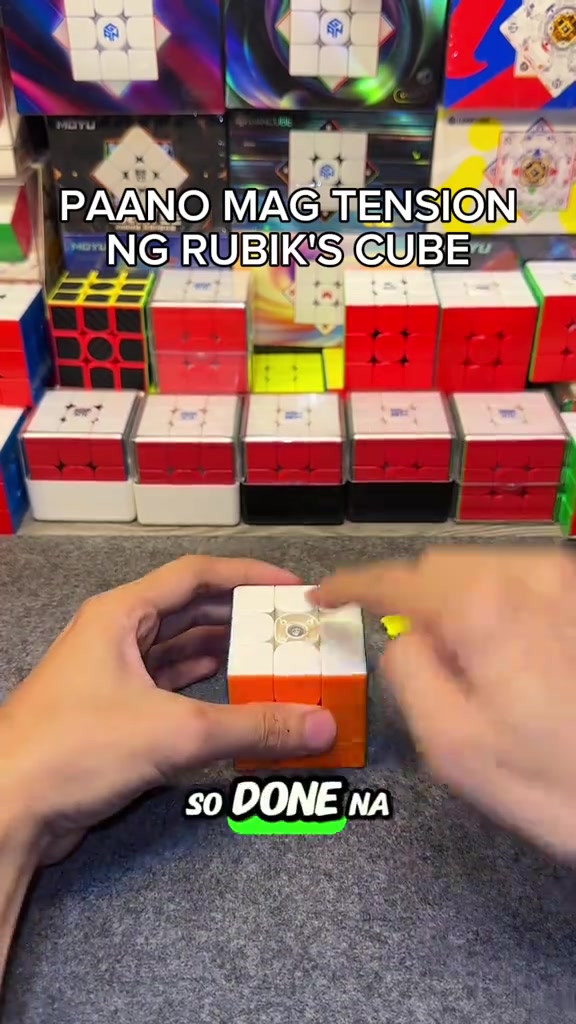
So the white face is done, put the center cap back as a marker so you don't get confused about which ones you've adjusted. We turn until blue and red align, it's done, put the center cap back, for the rest of the faces just turn one, two.
Product Benefits
This life hack lets you easily loosen your Rubik's cube tension, its corner cutting is way better than before now that we've loosened it, and it's much smoother. Try this on your cube if you just got a new one, or you're a beginner who doesn't know how to adjust tension yet.
Call to Action
Comment below if your cube's feel got better, and if its corner cutting improved. Follow me too, I'll upload more tutorials like this later.
Storyboard-Analyse
Close-up
In an indoor Rubik's cube studio setting, a pair of hands operates a 3x3 Rubik's cube on a gray flocked desktop, first picking up the cube to show the center logo face, then taking out the matching blue cube screwdriver to demonstrate its appearance, with multiple packaged Rubik's cubes neatly displayed in the background under bright soft lighting.
Medium Close-up
The hands pry off the center caps of all six faces of the Rubik's cube in sequence, arrange the removed colorful center caps neatly on the gray desktop, then use the blue screwdriver to align with the screw at the center of the cube's top face for tension adjustment, with the cube product display shelf in the background.
Medium Close-up
The hands press the white top face center cap back onto the cube's top face to secure it, then flip the cube to the yellow face and orange face in turn, use the screwdriver to turn the corresponding screws to adjust tension for each face, and install the matching center cap after finishing adjustment for each face.
Medium Shot
After all center caps are installed, the hands quickly twist the Rubik's cube to demonstrate the smooth handling and corner cutting effect after adjustment, then hold the cube still to show its overall appearance, with the cube display shelf in the background.
Medium Shot
A FOLLOW button effect with a pointing cursor pops up on the screen, the hands keep flipping the Rubik's cube to show the appearance of different faces, then quickly twist the cube to demonstrate its smooth handling, ending the adjustment demonstration.
Häufig gestellte Fragen
FAQ zum Video HOW TO ADJUST THE TENSION OF A RUBIK'S CUBE
Fragen zur Kreativstrategie, zum Creator, zu Kennzahlen und zur Erstellung eines ähnlichen Videos.
Welchen Einstieg verwendet das Produktvideo zu DianSheng 2026 New Edition 3x3 Magnetic Speed Cube?
Das Video beginnt mit „Frage als Hook“. Die Einordnung basiert auf den erfassten Videoinhalten und Analysedaten und hilft zu verstehen, wie die ersten Sekunden Aufmerksamkeit erzeugen.
Welches Verkaufsargument und welche Struktur nutzt das Video?
Das wichtigste Verkaufsargument ist „Komfort als Vorteil“, die Struktur ist „Ich-Perspektive“. Passen Sie diese Ansätze an Produkt, Zielgruppe und Markenstimme an.
Ist itzuke cubing der Creator dieses Videos?
Im aktuellen Datensatz ist itzuke cubing als Creator angegeben. Sofern verfügbar, führt der Name zum öffentlichen TikTok-Profil.
Kann ich anhand des Videos zu DianSheng 2026 New Edition 3x3 Magnetic Speed Cube ein ähnliches Video erstellen?
Ja. Octer nutzt Einstieg, Tempo, Struktur und Präsentation als kreative Referenz und kombiniert sie mit Ihren Produktinformationen, ohne das Originalmaterial zu kopieren.
Sind Aufrufe, Interaktionen und Produktkennzahlen in Echtzeit?
Nein. Angezeigt werden die zuletzt erfassten öffentlichen Daten. Durch Plattform-Updates und Berichtszeiträume kann es Verzögerungen geben.
Was muss ich bei der Nutzung dieses Referenzvideos beachten?
Verwenden Sie Video, Musik, Bildnis oder Markenmaterial des ursprünglichen Creators nicht direkt. Prüfen Sie vor der Veröffentlichung alle Rechte und Plattformregeln.