In the analyzed video, itzuke cubing uses a First-person POV structure, opens with Question hooks, and builds purchase intent through Convenience angle. This observation is based only on this video's script, storyboard, and public performance data.
In the analyzed video, itzuke cubing uses a First-person POV structure, opens with Question hooks, and builds purchase intent through Convenience angle. This observation is based only on this video's script, storyboard, and public performance data.
A direct and often slightly provocative question, such as “why is hers so much bigger?!”, can effectively capture attention. By tapping into a shared experience or unresolved curiosity, this opening quickly creates relevance and encourages viewers to stay for the answer or solution.
This perspective makes viewers feel as though they are experiencing it firsthand. Handheld selfie shots show product details and the usage process, creating an immersive sense of authenticity that brings viewers closer and sparks purchase interest.
A seamless user experience or versatile functionality is key to a product’s success. Showing how easy it is to go from unboxing to use, or highlighting an all-in-one design with functions such as slicing, shredding, and juicing, effectively appeals to consumers seeking speed and convenience.
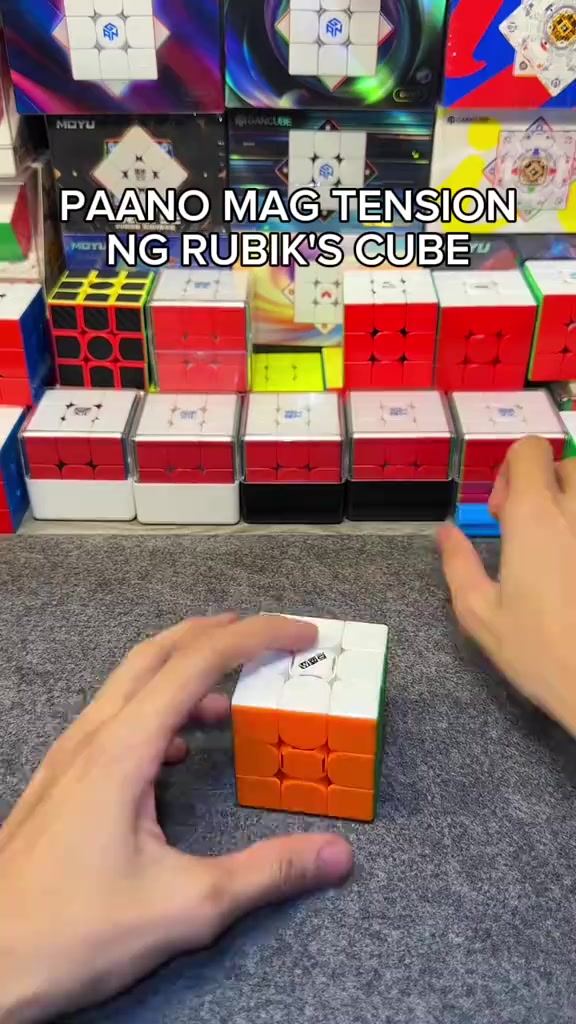
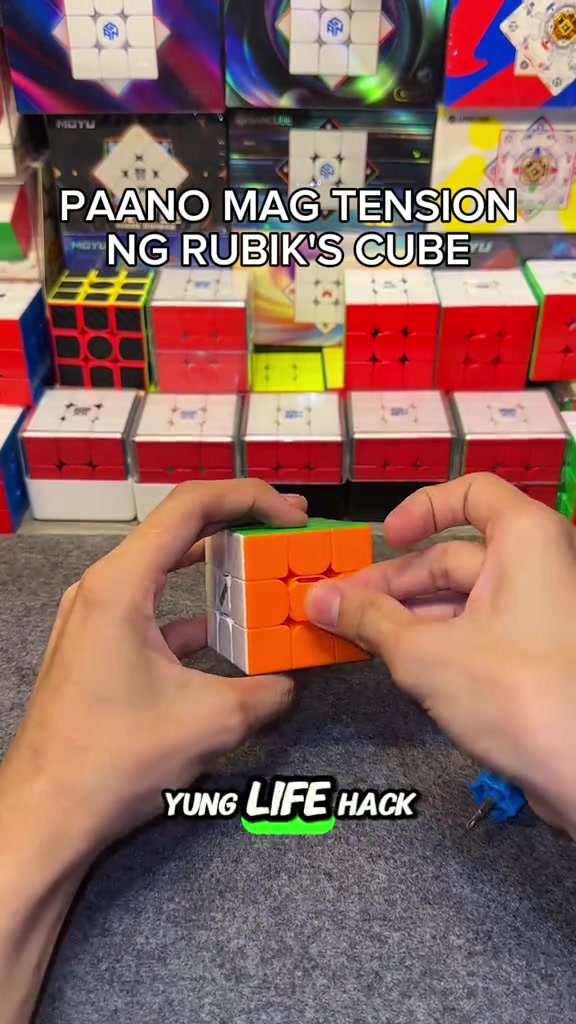
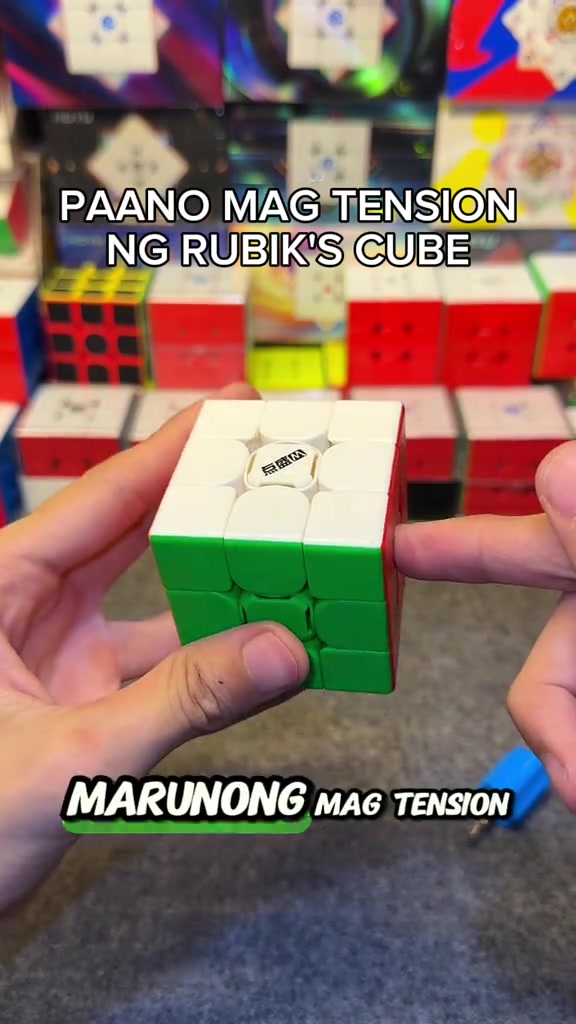
So how do you adjust the tension of the cube? When you get the cube, if you don't like it or its corner cutting performance is really bad, all you need is this screwdriver, a regular screwdriver works too. This DianSheng Solar M comes with this tool in its box.
Instructions for Use
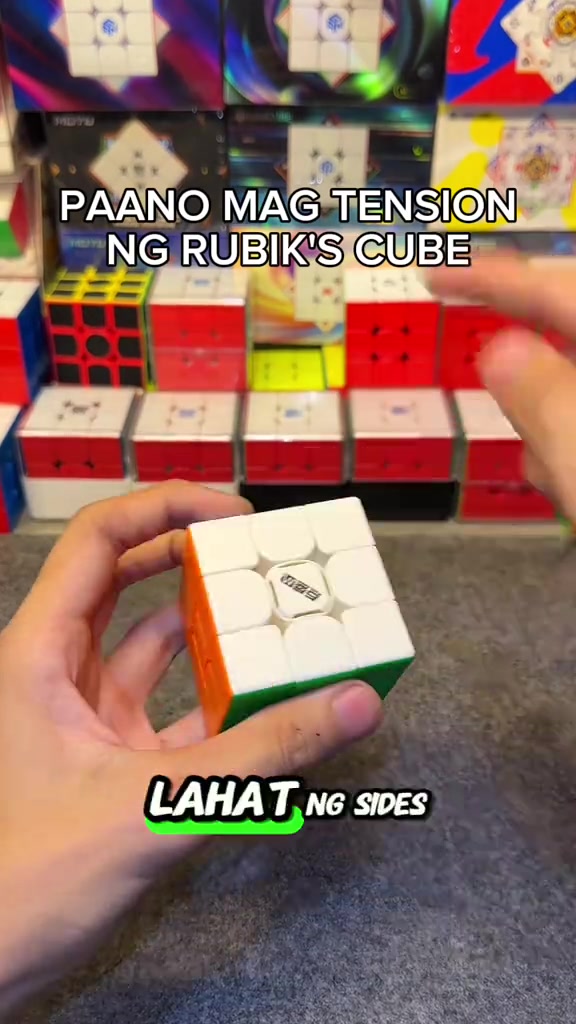
So you open all the sides. We open all the center caps, all six sides. You just put it on the top, then turn it until two colors align. Like this, right? Make sure it's tightened properly, so one, two.
Instructions for Use
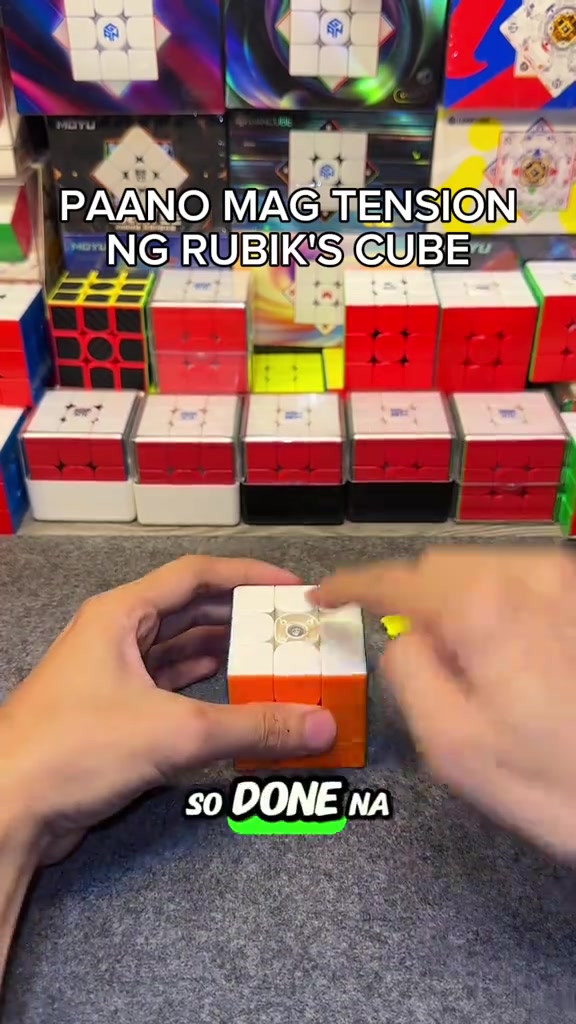
So the white face is done, put the center cap back as a marker so you don't get confused about which ones you've adjusted. We turn until blue and red align, it's done, put the center cap back, for the rest of the faces just turn one, two.
Product Benefits
This life hack lets you easily loosen your Rubik's cube tension, its corner cutting is way better than before now that we've loosened it, and it's much smoother. Try this on your cube if you just got a new one, or you're a beginner who doesn't know how to adjust tension yet.
Call to Action
Comment below if your cube's feel got better, and if its corner cutting improved. Follow me too, I'll upload more tutorials like this later.
Storyboard breakdown
Close-up
In an indoor Rubik's cube studio setting, a pair of hands operates a 3x3 Rubik's cube on a gray flocked desktop, first picking up the cube to show the center logo face, then taking out the matching blue cube screwdriver to demonstrate its appearance, with multiple packaged Rubik's cubes neatly displayed in the background under bright soft lighting.
Medium Close-up
The hands pry off the center caps of all six faces of the Rubik's cube in sequence, arrange the removed colorful center caps neatly on the gray desktop, then use the blue screwdriver to align with the screw at the center of the cube's top face for tension adjustment, with the cube product display shelf in the background.
Medium Close-up
The hands press the white top face center cap back onto the cube's top face to secure it, then flip the cube to the yellow face and orange face in turn, use the screwdriver to turn the corresponding screws to adjust tension for each face, and install the matching center cap after finishing adjustment for each face.
Medium Shot
After all center caps are installed, the hands quickly twist the Rubik's cube to demonstrate the smooth handling and corner cutting effect after adjustment, then hold the cube still to show its overall appearance, with the cube display shelf in the background.
Medium Shot
A FOLLOW button effect with a pointing cursor pops up on the screen, the hands keep flipping the Rubik's cube to show the appearance of different faces, then quickly twist the cube to demonstrate its smooth handling, ending the adjustment demonstration.
Frequently asked questions
HOW TO ADJUST THE TENSION OF A RUBIK'S CUBE video FAQ
Questions about this video’s creative strategy, creator, metrics, and creating a similar video.
What hook does this DianSheng 2026 New Edition 3x3 Magnetic Speed Cube product video use?
This video uses a “Question hooks” opening. The classification is based on the collected video content and available analysis fields, and can help explain how the first few seconds attract attention.
What selling angle and content structure does this video use?
Its primary selling angle is “Convenience angle” and its content structure is “First-person POV.” Use these as strategic references, then adapt the execution to your own product, audience, and brand voice.
Is itzuke cubing the creator of this video?
The current dataset identifies itzuke cubing as the video creator. The creator name links to the corresponding public TikTok profile when available; account details may change over time.
Can I use this DianSheng 2026 New Edition 3x3 Magnetic Speed Cube video to create a similar video?
Yes, you can use it as a creative reference. Octer extracts the hook, pacing, content structure, and presentation pattern, then combines them with your product information instead of directly copying the original footage.
Are the views, engagement, and product metrics shown in real time?
No. The page shows the most recently collected public video and product data. Values may lag because of platform updates, reporting periods, or market changes, so treat them as research signals rather than real-time reporting.
What should I consider when creating content from this reference?
Do not directly reuse the original creator’s footage, music, likeness, or brand assets. Confirm your rights to all product and generated assets, and follow TikTok Shop, advertising-market, and applicable local rules before publishing.