질문형 훅
“저 사람 것은 왜 이렇게 훨씬 클까?!”처럼 직접적이고 다소 도발적인 질문은 시청자의 관심을 효과적으로 끌 수 있습니다. 공통된 경험이나 풀리지 않은 궁금증을 건드려 빠르게 공감대를 만들고, 답이나 해결책을 확인할 때까지 머물도록 유도합니다.
상세 분석 보기크리에이티브 분석
In the analyzed video, itzuke cubing uses a First-person POV structure, opens with Question hooks, and builds purchase intent through Convenience angle. This observation is based only on this video's script, storyboard, and public performance data.
무료로 유사 동영상 만들기크리에이티브 분석
In the analyzed video, itzuke cubing uses a First-person POV structure, opens with Question hooks, and builds purchase intent through Convenience angle. This observation is based only on this video's script, storyboard, and public performance data.
“저 사람 것은 왜 이렇게 훨씬 클까?!”처럼 직접적이고 다소 도발적인 질문은 시청자의 관심을 효과적으로 끌 수 있습니다. 공통된 경험이나 풀리지 않은 궁금증을 건드려 빠르게 공감대를 만들고, 답이나 해결책을 확인할 때까지 머물도록 유도합니다.
상세 분석 보기이 시점은 시청자가 직접 경험하는 듯한 느낌을 줍니다. 손으로 촬영한 셀피 영상으로 제품의 디테일과 사용 과정을 보여 주어 현장감 있는 진정성을 만들고, 시청자와의 거리를 좁혀 구매 관심을 높입니다.
상세 분석 보기제품 성공의 핵심은 매끄러운 사용 경험이나 다양한 기능을 제공하는 데 있습니다. 개봉부터 사용까지의 간편한 과정을 보여 주거나, 썰기·채썰기·착즙을 한 기기로 해결하는 다기능성을 강조하면 효율성과 편리함을 중시하는 소비자에게 효과적으로 다가갈 수 있습니다.
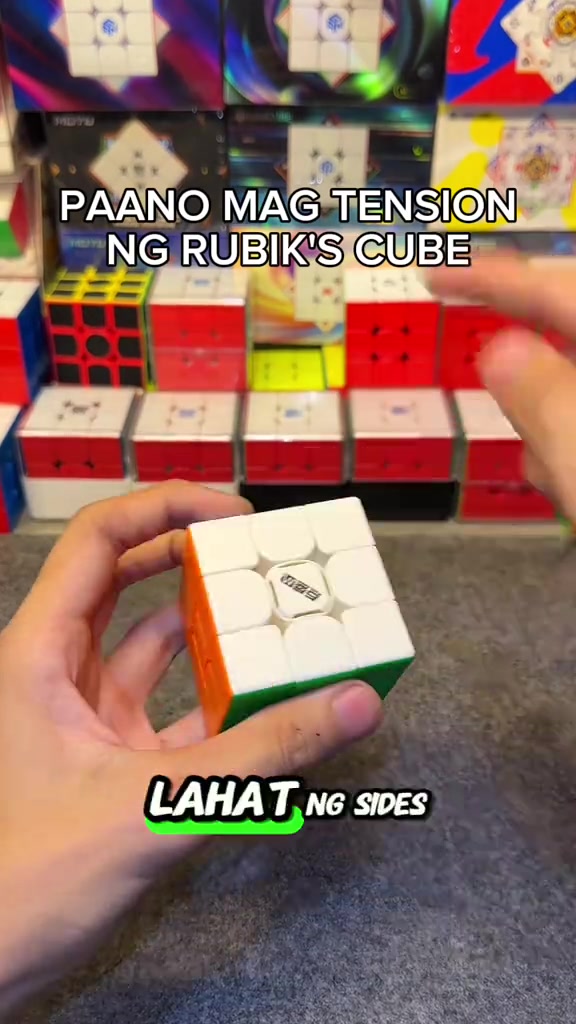
상세 분석 보기So how do you adjust the tension of the cube? When you get the cube, if you don't like it or its corner cutting performance is really bad, all you need is this screwdriver, a regular screwdriver works too. This DianSheng Solar M comes with this tool in its box.
So you open all the sides. We open all the center caps, all six sides. You just put it on the top, then turn it until two colors align. Like this, right? Make sure it's tightened properly, so one, two.
So the white face is done, put the center cap back as a marker so you don't get confused about which ones you've adjusted. We turn until blue and red align, it's done, put the center cap back, for the rest of the faces just turn one, two.
This life hack lets you easily loosen your Rubik's cube tension, its corner cutting is way better than before now that we've loosened it, and it's much smoother. Try this on your cube if you just got a new one, or you're a beginner who doesn't know how to adjust tension yet.
Comment below if your cube's feel got better, and if its corner cutting improved. Follow me too, I'll upload more tutorials like this later.
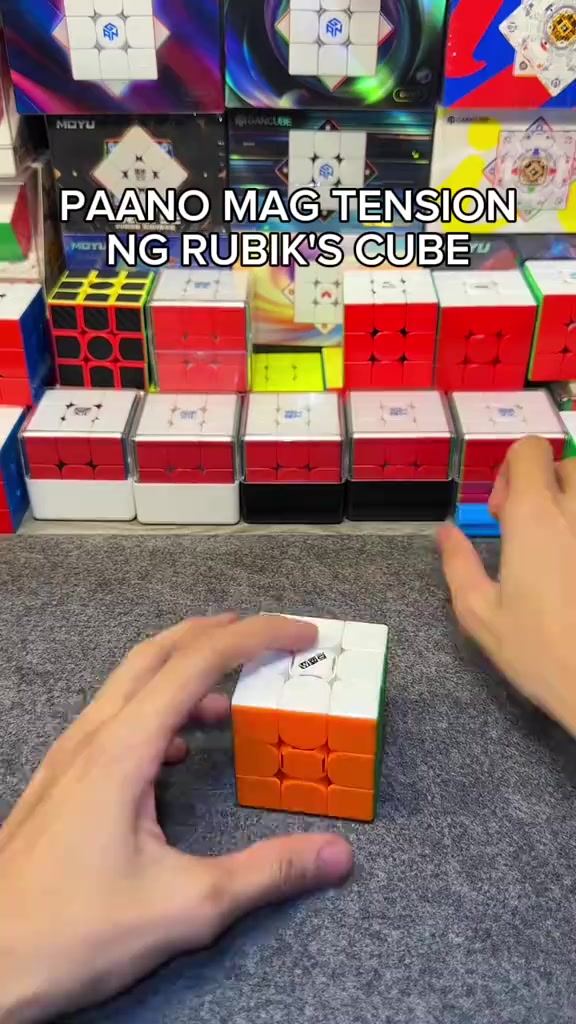
In an indoor Rubik's cube studio setting, a pair of hands operates a 3x3 Rubik's cube on a gray flocked desktop, first picking up the cube to show the center logo face, then taking out the matching blue cube screwdriver to demonstrate its appearance, with multiple packaged Rubik's cubes neatly displayed in the background under bright soft lighting.
The hands pry off the center caps of all six faces of the Rubik's cube in sequence, arrange the removed colorful center caps neatly on the gray desktop, then use the blue screwdriver to align with the screw at the center of the cube's top face for tension adjustment, with the cube product display shelf in the background.
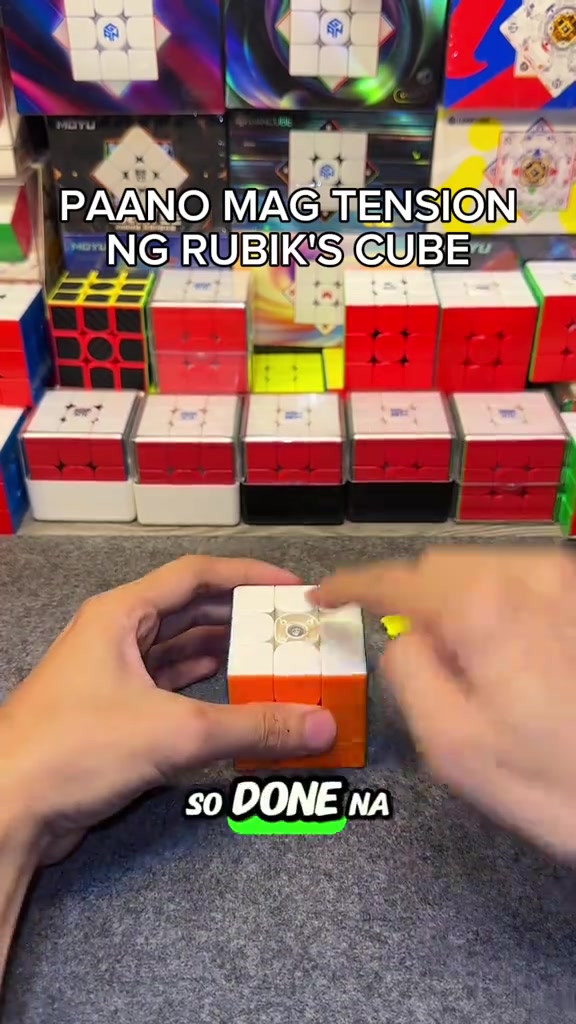
The hands press the white top face center cap back onto the cube's top face to secure it, then flip the cube to the yellow face and orange face in turn, use the screwdriver to turn the corresponding screws to adjust tension for each face, and install the matching center cap after finishing adjustment for each face.
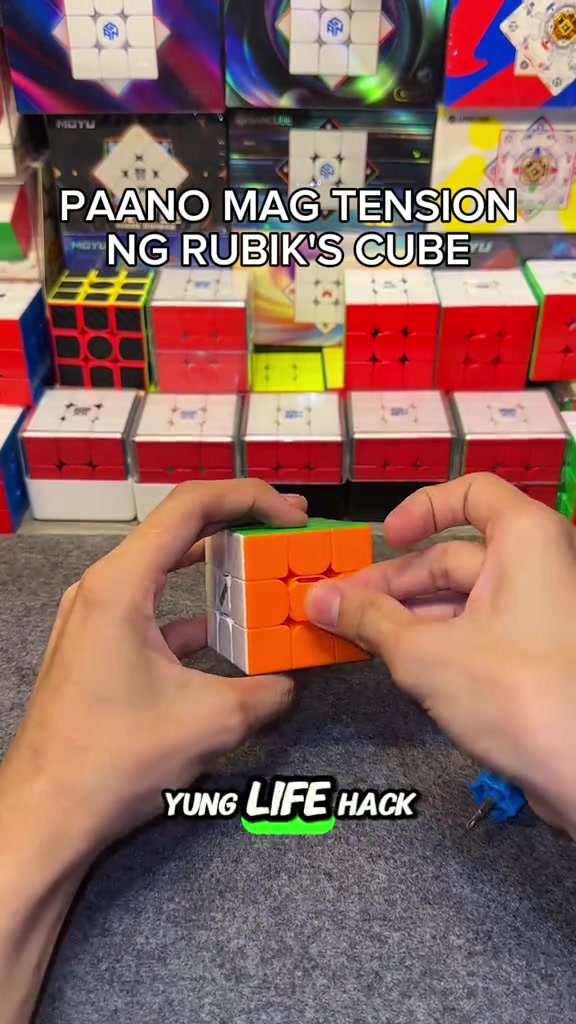
After all center caps are installed, the hands quickly twist the Rubik's cube to demonstrate the smooth handling and corner cutting effect after adjustment, then hold the cube still to show its overall appearance, with the cube display shelf in the background.
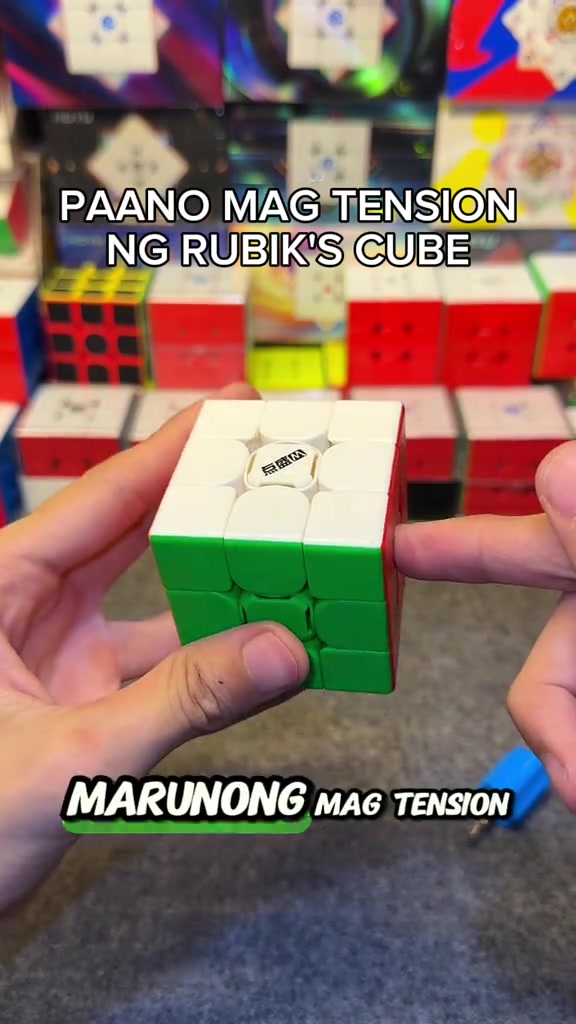
A FOLLOW button effect with a pointing cursor pops up on the screen, the hands keep flipping the Rubik's cube to show the appearance of different faces, then quickly twist the cube to demonstrate its smooth handling, ending the adjustment demonstration.
자주 묻는 질문
이 동영상의 크리에이티브 전략, 크리에이터, 지표 및 유사 동영상 제작에 관한 질문입니다.
이 동영상은 “질문형 훅”으로 시작합니다. 수집된 동영상 내용과 분석 필드를 기반으로 한 분류이며, 첫 몇 초 동안 관심을 끄는 방식을 이해하는 데 참고할 수 있습니다.
주요 판매 포인트는 “편의성 강조”이고 동영상 구성은 “1인칭 POV”입니다. 상품, 타깃 시청자, 브랜드 표현에 맞게 조정하세요.
현재 데이터에는 itzuke cubing 님이 크리에이터로 표시되어 있습니다. 가능한 경우 공개 TikTok 프로필로 이동할 수 있습니다.
네. Octer는 원본 영상을 직접 복사하지 않고 훅, 속도, 구성, 표현 방식을 참고해 상품 정보와 결합합니다.
아닙니다. 가장 최근에 수집된 공개 데이터이며 플랫폼 업데이트와 집계 기간에 따라 지연될 수 있습니다.
원작자의 영상, 음악, 초상 또는 브랜드 자산을 직접 재사용하지 마세요. 게시 전에 사용 권한과 관련 플랫폼 규정을 확인하세요.