In the analyzed video, Holden Mann uses a First-person POV structure, opens with Shock-stat hooks, and builds purchase intent through Convenience angle. This observation is based only on this video's script, storyboard, and public performance data.
In the analyzed video, Holden Mann uses a First-person POV structure, opens with Shock-stat hooks, and builds purchase intent through Convenience angle. This observation is based only on this video's script, storyboard, and public performance data.
Los hechos inesperados o los resultados impactantes captan la atención de inmediato. Una apertura como “¡¿también se puede hacer esto?!” presenta rápidamente una idea disruptiva o un valor extraordinario, despierta la curiosidad y cambia las ideas preconcebidas del público.
Esta perspectiva hace que el público sienta que vive la experiencia en primera persona. Las tomas selfie a mano muestran los detalles del producto y su uso, crean una sensación auténtica e inmersiva, acercan al espectador y despiertan el interés de compra.
Una experiencia de uso fluida o una gran versatilidad son claves para el éxito del producto. Mostrar lo sencillo que resulta pasar del unboxing al uso, o destacar un diseño todo en uno que corta, ralla y exprime, atrae eficazmente a consumidores que buscan eficiencia y comodidad.
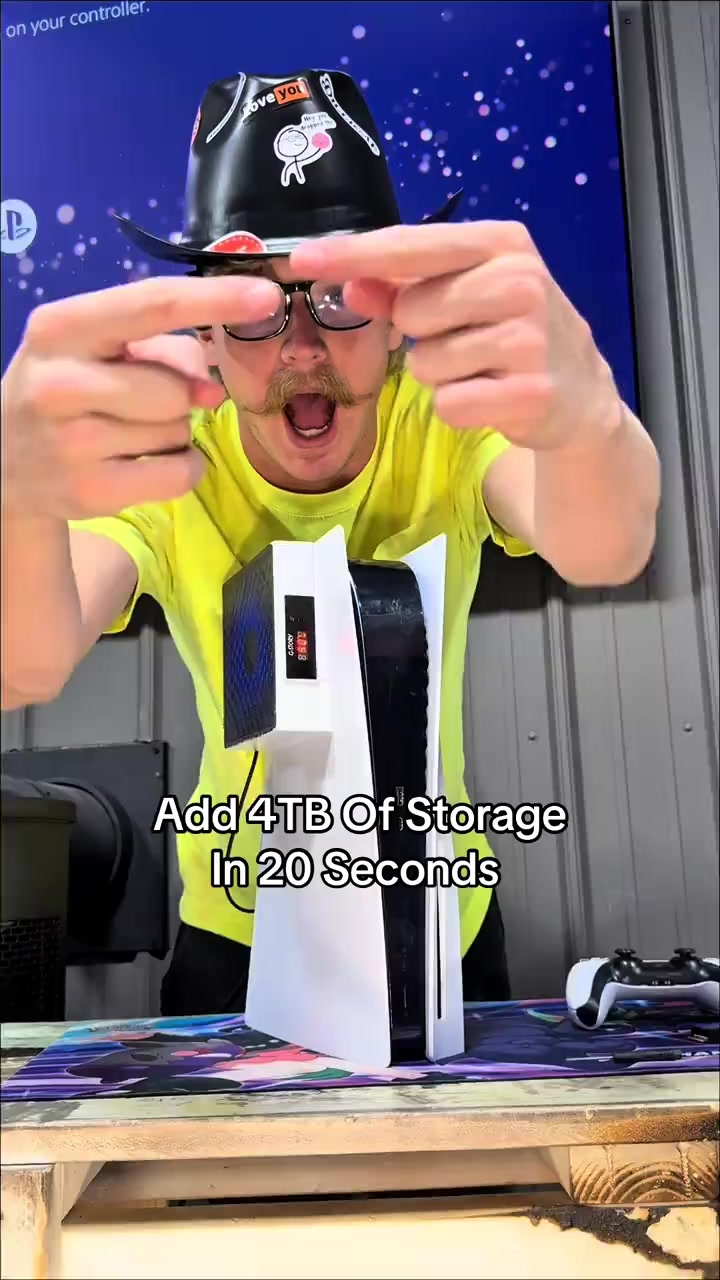
I am gonna show you how to add four terabytes of storage to your PS5 in under 20 seconds. The same upgrade also makes your PS5 better than a gaming PC. This is an NVMe M.2 SSD, and the PS5 is already better in every single way. It just doesn't come with enough storage from the factory, but with an SSD you can add anywhere between 500 gigabytes of storage all the way up to four freaking terabytes. And the upgrade only takes 20 seconds to install.
Instructions for Use
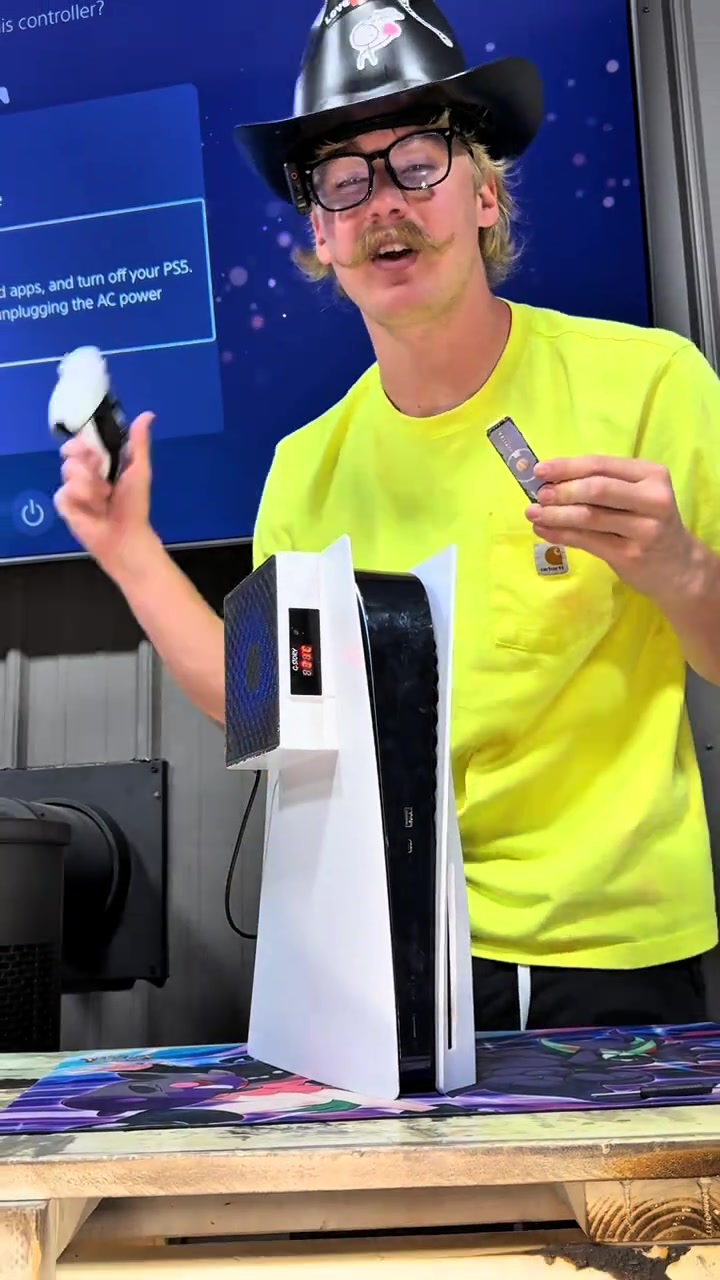
Just start by turning your PS5 off properly. Go ahead and start with your PS5 up straight, then go ahead and lay it down to the left. Peel up this back corner over here and pull the opposite direction, and that is gonna expose the SSD cover. Take out screw number one. Once you remove the cover, that's gonna expose the inside of the SSD slot. Locate the slot on the SSD and the slot inside the PS5, line those up, snap it into place, secure it down, and just like that, you can put your PS5 back together. And it's that simple.
Call to Action
I added four terabytes of storage to my PS5 so I will never worry about storage ever again. GTA six is gonna be over five hundred gigabytes just for the one game, so you are not playing it without an SSD. Rockstar has stated this, but storage is extremely expensive and it keeps going up every single year with AI coming out and the bigger that games get. I left the orange shopping cart right down here because TikTok is working with this company to make these SSDs affordable so everybody can play GTA six when it comes out. The only thing is since they went on sale, they've already sold out a few of their different storage sizes, so if you still see this orange shopping cart, I'd go get an NVMe M.2 SSD before the rest are gone.
Análisis del storyboard
Medium Shot
The blogger points at the camera to introduce the topic, shows the PS5 console, controller, headphones and JUPITER M.2 SSD, and demonstrates on the screen that the storage space is upgraded from less than 670GB to 4TB, explaining the necessity of installing the SSD.
Close-up
The blogger shows the PS5 shutdown screen, follows the steps to remove the PS5 shell, unscrew the SSD slot cover screw, align the interface to install and fix the M.2 SSD, then restore the console shell to complete the entire installation process.
Medium Shot
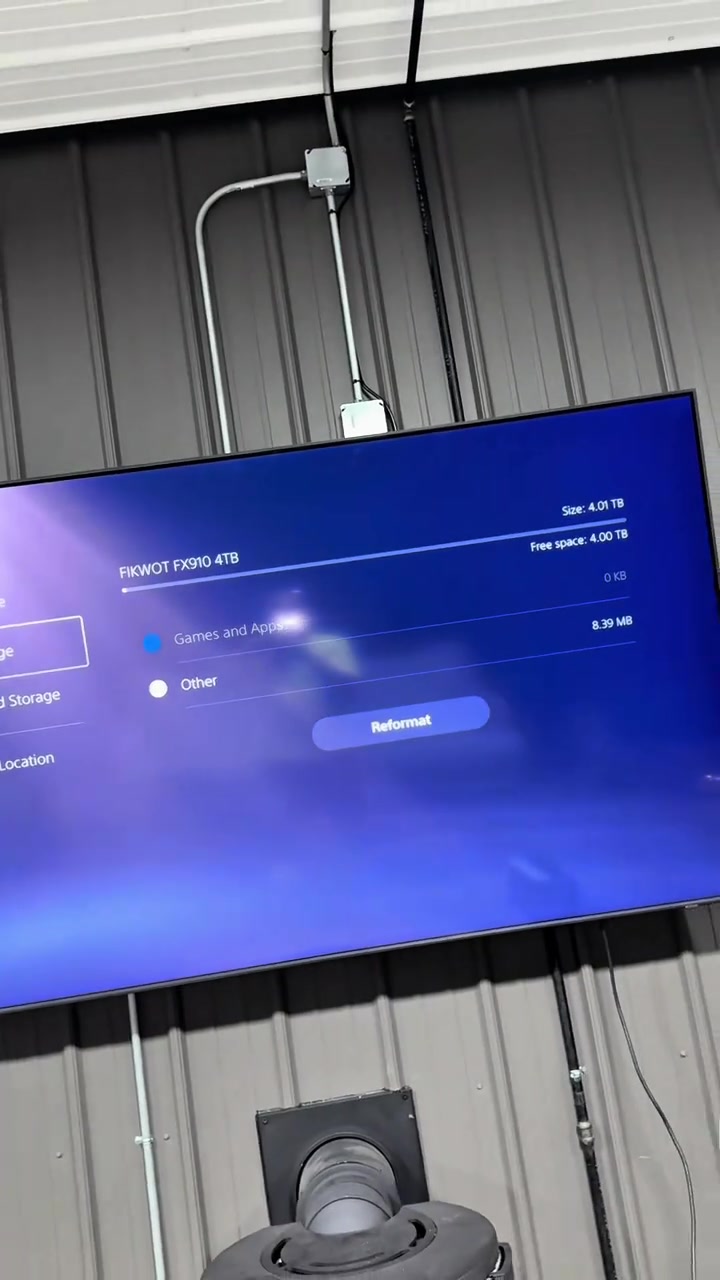
The blogger shows the interface that the PS5 recognizes the 4TB large storage space after the upgrade, explains the necessity of large storage for huge games like GTA6, emphasizes the growing scarcity of storage resources, shows product details and limited-time offers, guiding viewers to place orders as soon as possible.
Preguntas frecuentes
Preguntas sobre el vídeo Add 4TB Of Storage In 20 Seconds
Preguntas sobre la estrategia creativa, el creador, las métricas y cómo crear un vídeo similar.
¿Qué gancho inicial utiliza el vídeo de FIKWOT Internal Gaming SSD- FX991/FX910 (Heatsink)?
El vídeo comienza con «Dato sorprendente». La clasificación se basa en el contenido recopilado y los datos de análisis, y ayuda a entender cómo capta la atención en los primeros segundos.
¿Qué ángulo de venta y estructura utiliza este vídeo?
El ángulo principal es «Ángulo de comodidad» y la estructura es «POV en primera persona». Adapta estas ideas a tu producto, audiencia y voz de marca.
¿Holden Mann es el creador de este vídeo?
Los datos actuales identifican a Holden Mann como creador. Cuando está disponible, el nombre enlaza con su perfil público de TikTok.
¿Puedo usar el vídeo de FIKWOT Internal Gaming SSD- FX991/FX910 (Heatsink) para crear uno similar?
Sí. Octer toma como referencia el gancho, el ritmo, la estructura y la presentación, y los combina con la información de tu producto sin copiar el material original.
¿Las visualizaciones, la interacción y los datos de producto son en tiempo real?
No. Se muestran los datos públicos recopilados más recientemente y puede haber retrasos por actualizaciones de la plataforma o periodos de informes.
¿Qué debo tener en cuenta al crear contenido a partir de esta referencia?
No reutilices directamente el vídeo, la música, la imagen o los recursos de marca del creador original. Confirma los derechos y las normas aplicables antes de publicar.