No Hook
Videos that begin without a distinct attention-grabbing hook.
View breakdownCreative breakdown
“Watch until the end to see how to use it” turns a portable Hanin A4 thermal printer into a practical, demonstration-led viewing prompt.
Try creating a similar video for freeView source on TikTokCreative breakdown
“Watch until the end to see how to use it” turns a portable Hanin A4 thermal printer into a practical, demonstration-led viewing prompt.
Videos that begin without a distinct attention-grabbing hook.
View breakdownThis perspective makes viewers feel as though they are experiencing it firsthand. Handheld selfie shots show product details and the usage process, creating an immersive sense of authenticity that brings viewers closer and sparks purchase interest.
View breakdownA seamless user experience or versatile functionality is key to a product’s success. Showing how easy it is to go from unboxing to use, or highlighting an all-in-one design with functions such as slicing, shredding, and juicing, effectively appeals to consumers seeking speed and convenience.
View breakdownSee, it's going to print right here. Okay guys, the device in my hand right now is a portable printer from HPRT. It's very small and compact, it prints on thermal paper, not regular paper. It's super easy to use: first long press the power button to turn it on, you'll hear a beep when it's ready.
The thermal paper for this printer has two sides: one side is not the printable side, the other blank side without any print is the printable one. If you look at the back, it has printed text and barcode, that side with text is not for printing, got it?
It's super easy to use, there's a dedicated app called HerePrint. In the app, you can see the printer's battery level, it connects via Bluetooth, and you can print documents, photos and more. Alright, let me show you a demo of how it works.
First step: take the thermal paper, feed it into the printer's input slot until you hear a beep, that means the paper is properly loaded. Once the paper is in place and you hear the beep, you can select the photo or document you want to print on your phone.
Once you've selected what to print, tap the printer icon here, then choose which page you want. If it's a multi-page document like this, we're using one sheet so just select the first page. Then set the size to A4, set copies to 1, and tap print.
See, it's printing right now, no matter what kind of document it's super easy. This is roughly the print result when using the provided thermal paper. If you want to get this small, portable printer you can take anywhere, the details are in the pinned comment below, I've linked it there.
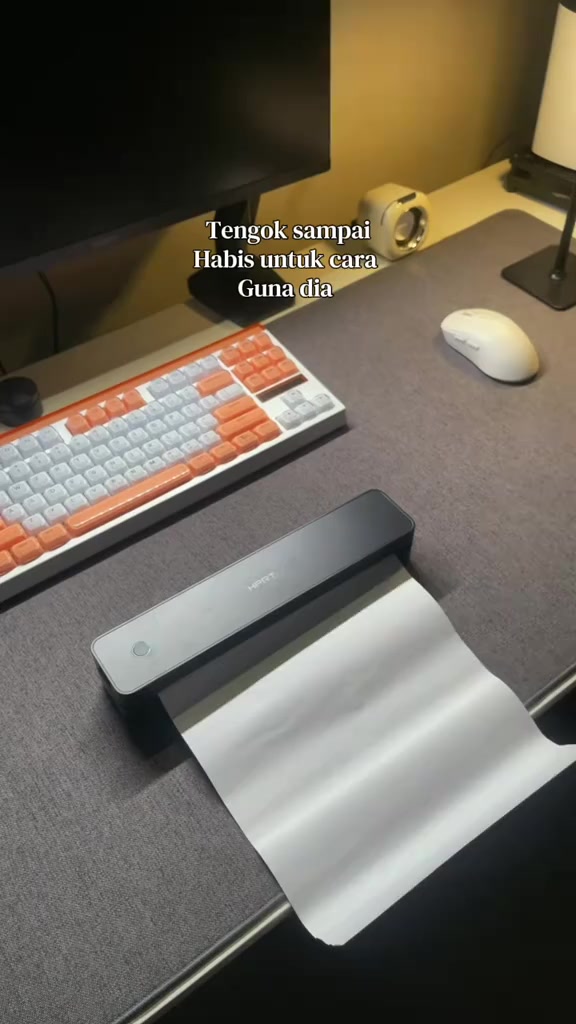
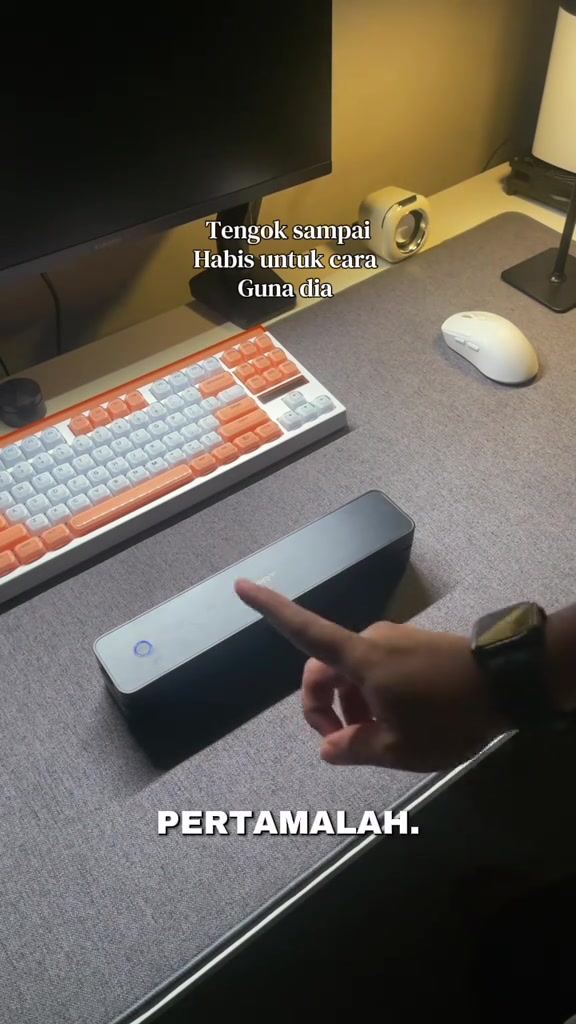
Against a cozy warm-lit home office desk, the person picks up the black HPRT portable printer placed on the dark gray desk mat with both hands, flips it to show the body appearance, opens the upper cover to reveal the internal paper compartment, then places the printer back on the desk, long-presses the circular power button on the side to turn it on, and the button lights up with a blue indicator.
The person holds a stack of white thermal paper sealed in a transparent plastic bag with both hands, flips the paper back and forth to show both sides, points to the back side with printed text and barcode, and explains the difference between the printable side and non-printable side.
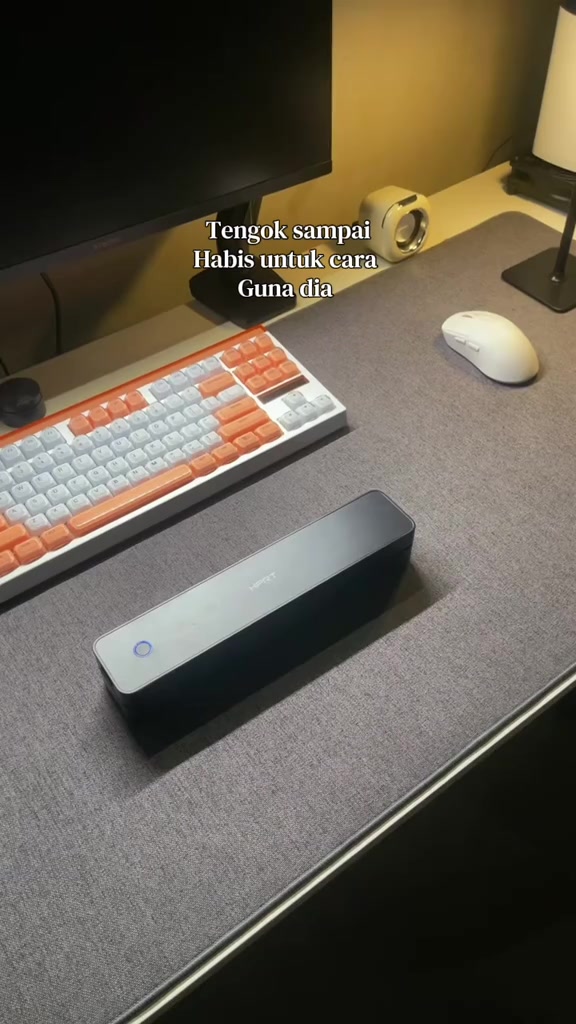
The person takes out a smartphone, finds the HerePrint app icon on the home screen and clicks to enter it. After opening the app, the main interface shows the printer is connected via Bluetooth with 51% remaining battery, and displays multiple print function options such as pictures, documents, web page scanning, etc.
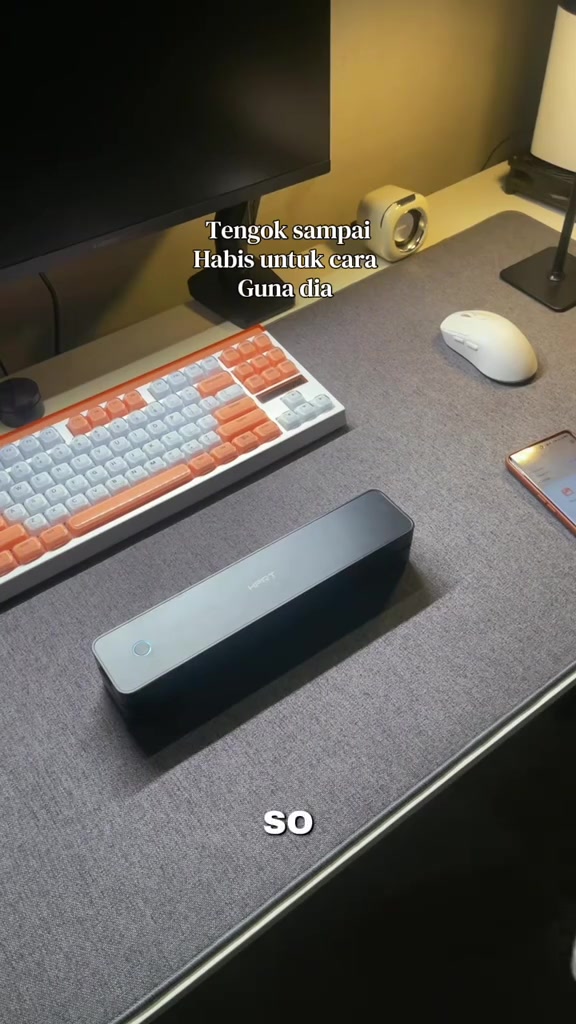
The person takes out a sheet of thermal paper, aligns the front end with the printer's paper inlet and slowly feeds it in until the printer beeps and automatically completes paper feeding, then takes out the phone again, opens the PDF document in the phone, and enters the document preview page.
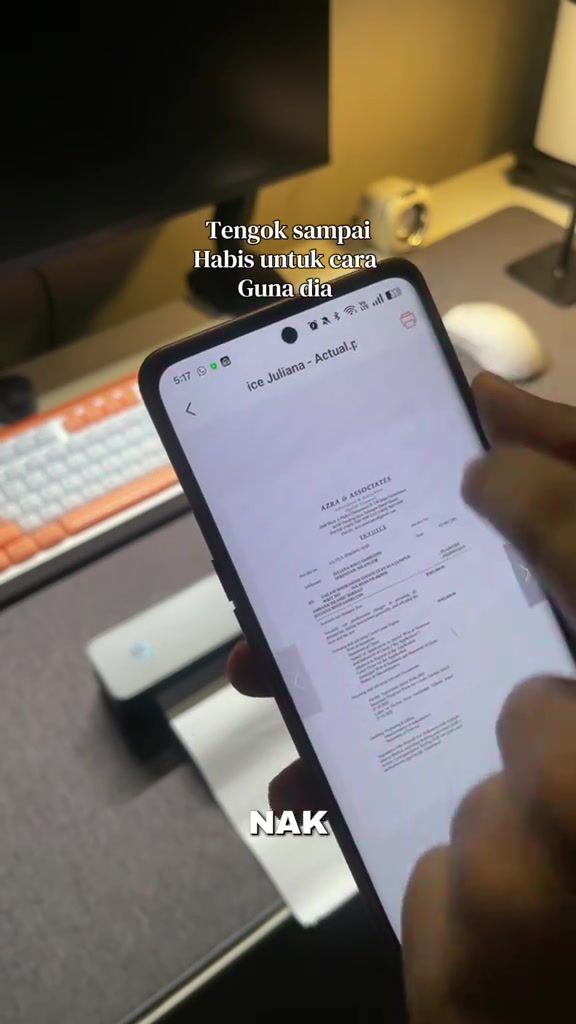
The person operates the print setting interface on the phone, selects to print only the first page of the document, adjusts the print parameters to A4 size with a single copy, then clicks the orange print button to send the print command.
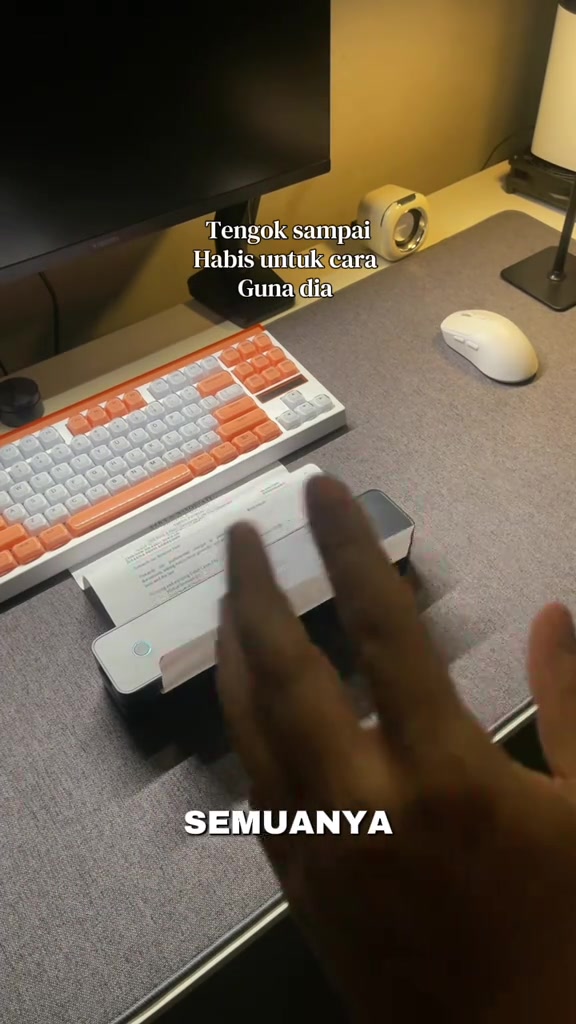
The printer automatically outputs thermal paper printed with a complete commercial invoice. The person picks up the printed paper, shows the clear printing effect to the camera, then picks up the printer again, flips to show the small and thin body, and explains its portable use advantages.
Frequently asked questions
Questions about this video’s creative strategy, creator, metrics, and creating a similar video.
This video uses a “No Hook” opening. The classification is based on the collected video content and available analysis fields, and can help explain how the first few seconds attract attention.
Its primary selling angle is “Convenience angle” and its content structure is “First-person POV.” Use these as strategic references, then adapt the execution to your own product, audience, and brand voice.
The current dataset identifies Shahril Ezwan as the video creator. The creator name links to the corresponding public TikTok profile when available; account details may change over time.
Yes, you can use it as a creative reference. Octer extracts the hook, pacing, content structure, and presentation pattern, then combines them with your product information instead of directly copying the original footage.
No. The page shows the most recently collected public video and product data. Values may lag because of platform updates, reporting periods, or market changes, so treat them as research signals rather than real-time reporting.
Do not directly reuse the original creator’s footage, music, likeness, or brand assets. Confirm your rights to all product and generated assets, and follow TikTok Shop, advertising-market, and applicable local rules before publishing.