No Hook
Videos that begin without a distinct attention-grabbing hook.
View breakdownCreative breakdown

The creator opens by pointing to a stream setup and audio mixer, then introduces a FIFINE D6 macro keyboard as part of a convenient live-streaming control setup.
Try creating a similar video for freeView source on TikTokCreative breakdown
The creator opens by pointing to a stream setup and audio mixer, then introduces a FIFINE D6 macro keyboard as part of a convenient live-streaming control setup.
Videos that begin without a distinct attention-grabbing hook.
View breakdownThis perspective makes viewers feel as though they are experiencing it firsthand. Handheld selfie shots show product details and the usage process, creating an immersive sense of authenticity that brings viewers closer and sparks purchase interest.
View breakdownA seamless user experience or versatile functionality is key to a product’s success. Showing how easy it is to go from unboxing to use, or highlighting an all-in-one design with functions such as slicing, shredding, and juicing, effectively appeals to consumers seeking speed and convenience.
View breakdownListen, although I do have a stream setup right here, this is my audio mixer right here. I can put whatever audio I want on here. OK, love it. This is what I need extra, OK? I can put more audio effects I want, this by Fifine, that's also by Fifine.
I love this because the buttons are so responsive and so quick. Let me show you. So right now as you can see, I have all my buttons set up on the app right here. And once I press Steam, bam, I press it, it opens up quick, OK? OBS, bam, OK, there we go, opened up. The apps open up quick, the audio response is quick as well.
I've been trolling so many people with this deck right here, OK? I love it. I need more buttons for my sounds.
As you can see I pause it, I play another one. Yeah. Anyways, if you need something like this in preparation of GTA 6 coming out and you do your setup quick, I will link this down below for you.
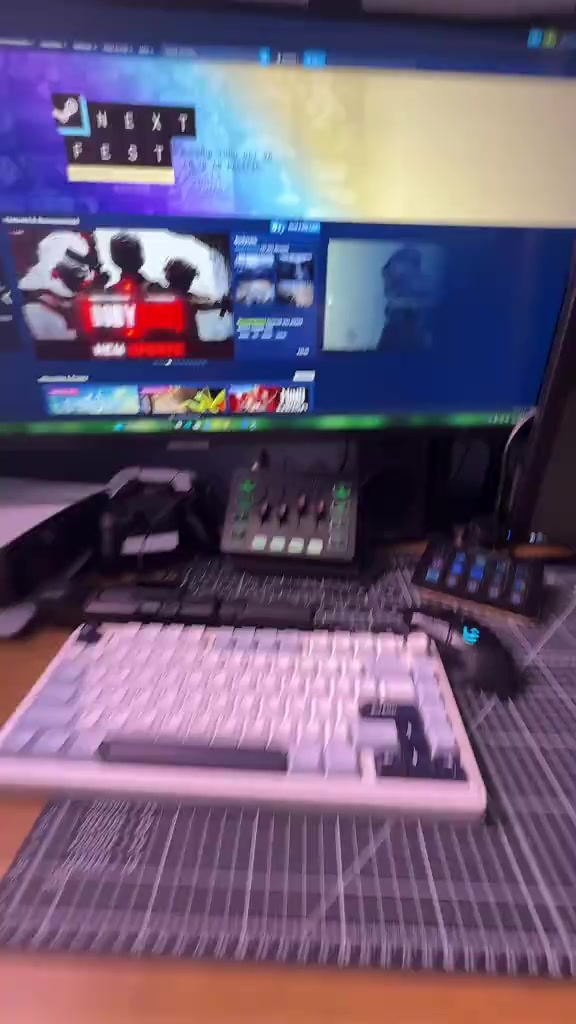
First-person perspective shot of the black green-tone audio mixer on the desk, a hand slides the sliders and presses the buttons of the mixer, the indicator lights of the mixer turn on and change colors, the monitor in the background displays the Steam store interface, peripherals such as a keyboard and game controller are placed on the desk, lit by indoor desk lighting.
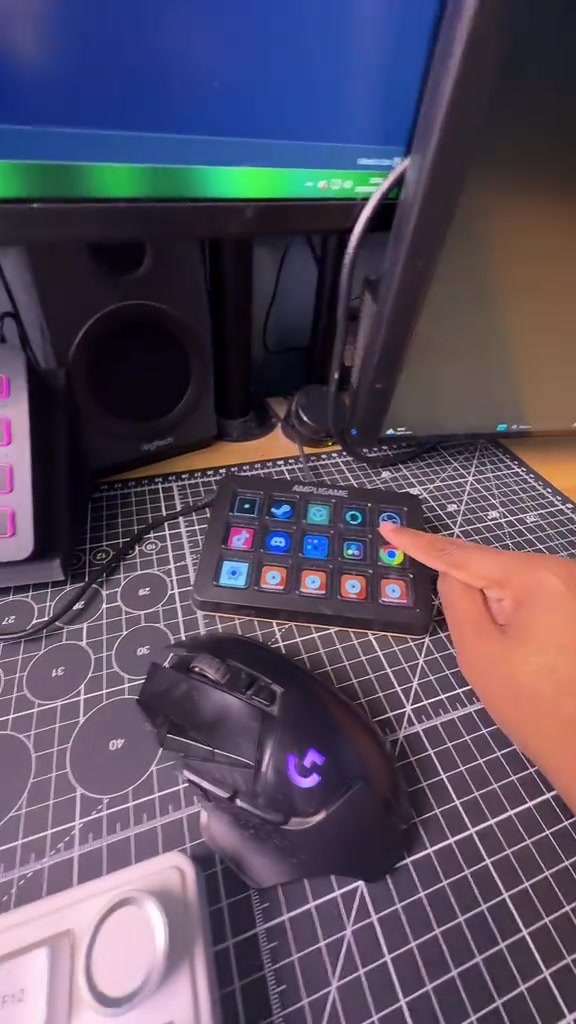
The camera switches to the AMPLIGAME physical shortcut keypad with colored icons on the right side of the desk, a finger points to different buttons on the panel, then cuts back to demonstrate the operation of the audio mixer, then shows the shortcut panel configuration application interface on the main monitor, after pressing the button, Steam and OBS software are quickly opened, the RGB lights of the panel and the mouse change color synchronously, the background is a bright e-sports desk environment with blinds.

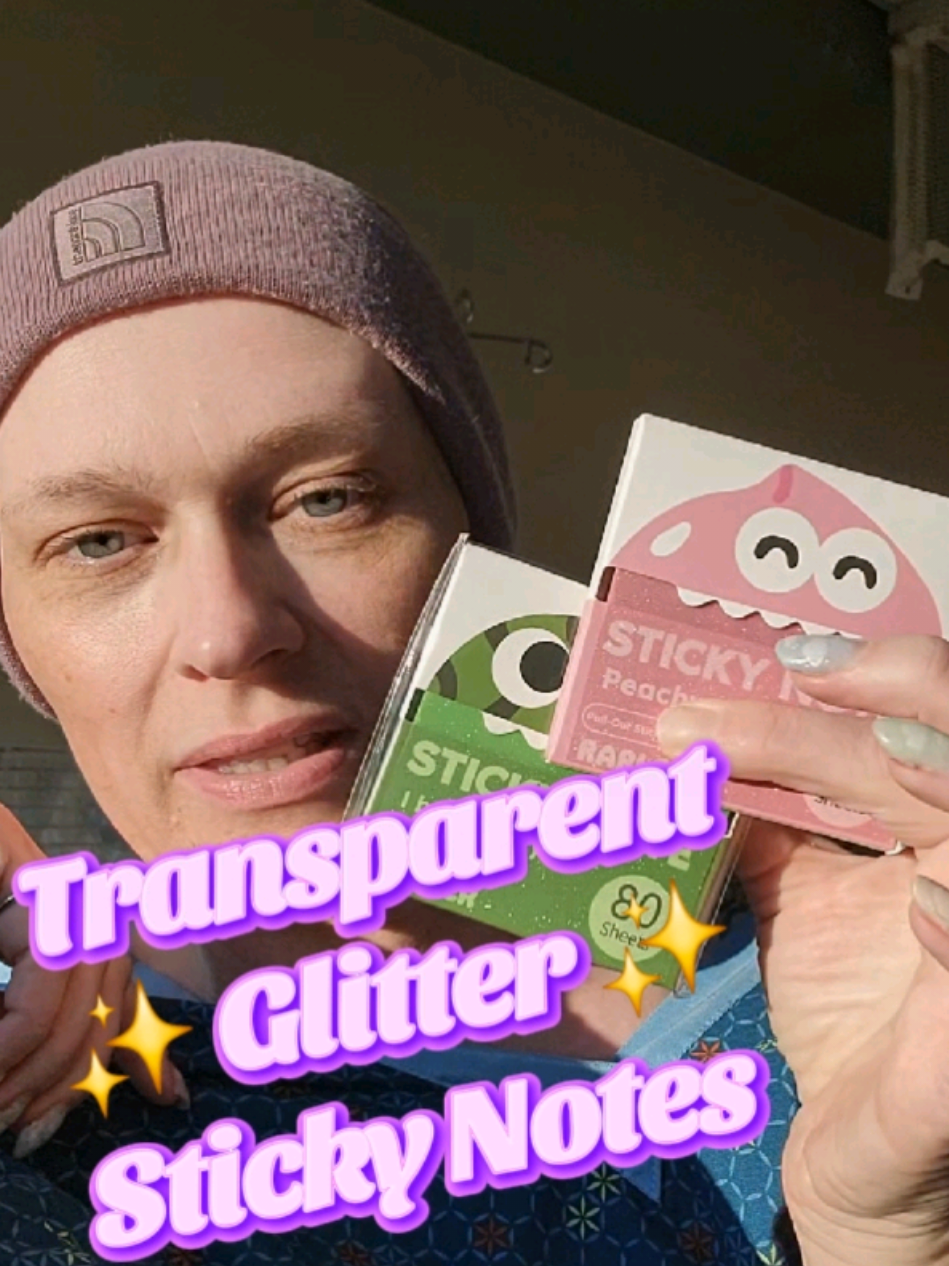
A male blogger wearing a dark gray knit hat printed with the reversed SNOWDONIA logo appears on camera, gestures while explaining to the lens, the background is an indoor wall and wardrobe area, lit by soft indoor top lighting.
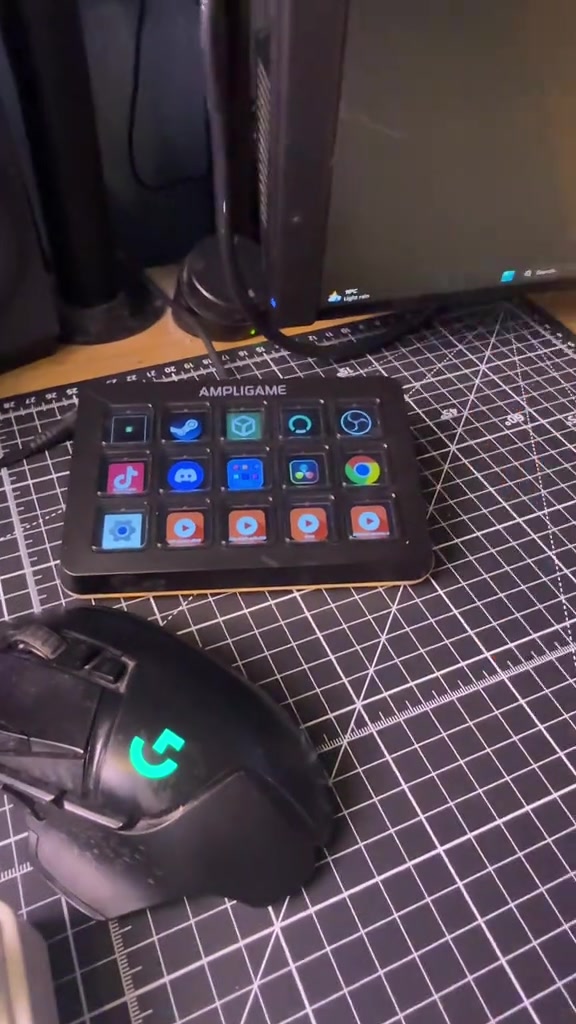
The camera cuts back to a close-up of the AMPLIGAME shortcut keypad, a finger presses the buttons on the panel in sequence to trigger different sound effects, then the camera cuts back to the male blogger, who speaks to the camera and gestures, the background is an indoor home environment.
Frequently asked questions
Questions about this video’s creative strategy, creator, metrics, and creating a similar video.
This video uses a “No Hook” opening. The classification is based on the collected video content and available analysis fields, and can help explain how the first few seconds attract attention.
Its primary selling angle is “Convenience angle” and its content structure is “First-person POV.” Use these as strategic references, then adapt the execution to your own product, audience, and brand voice.
The current dataset identifies trulymustii as the video creator. The creator name links to the corresponding public TikTok profile when available; account details may change over time.
Yes, you can use it as a creative reference. Octer extracts the hook, pacing, content structure, and presentation pattern, then combines them with your product information instead of directly copying the original footage.
No. The page shows the most recently collected public video and product data. Values may lag because of platform updates, reporting periods, or market changes, so treat them as research signals rather than real-time reporting.
Do not directly reuse the original creator’s footage, music, likeness, or brand assets. Confirm your rights to all product and generated assets, and follow TikTok Shop, advertising-market, and applicable local rules before publishing.