The creator begins a mini-drone demonstration by drawing a circle on the ground as a home point, using a specific setup step to make the flight sequence feel observable.
The creator begins a mini-drone demonstration by drawing a circle on the ground as a home point, using a specific setup step to make the flight sequence feel observable.
Unexpected facts or striking results can capture attention immediately. An opening such as “you can do that?!” quickly introduces a disruptive insight or outsized value, sparking curiosity and overturning the viewer’s existing assumptions.
This perspective makes viewers feel as though they are experiencing it firsthand. Handheld selfie shots show product details and the usage process, creating an immersive sense of authenticity that brings viewers closer and sparks purchase interest.
Citing authoritative sources and professional endorsements can greatly strengthen product credibility. Creators should mention when a product is expert-designed, patented, or clinically tested, and may show a certificate of authenticity to demonstrate that its quality and effectiveness have professional recognition and can be trusted.
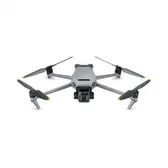
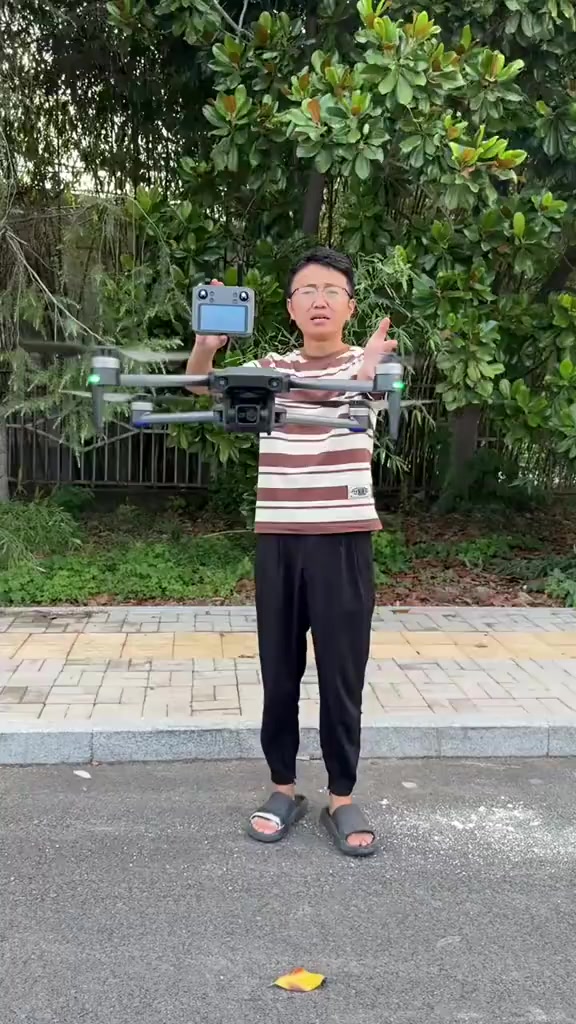
First, draw a circle on the ground for the drone as a return-to-home marking point, then make the drone take off to fly high and far, turn off the remote control to see if it can find the circle and return by itself, unlock the drone's motor for one-key takeoff, raise the flight altitude, the drone hovers steadily after releasing the remote control, then rise further, rotate once and dash at full speed, show the drone's super fast flight speed, it has three adjustable flight gears.
Product Selling Points
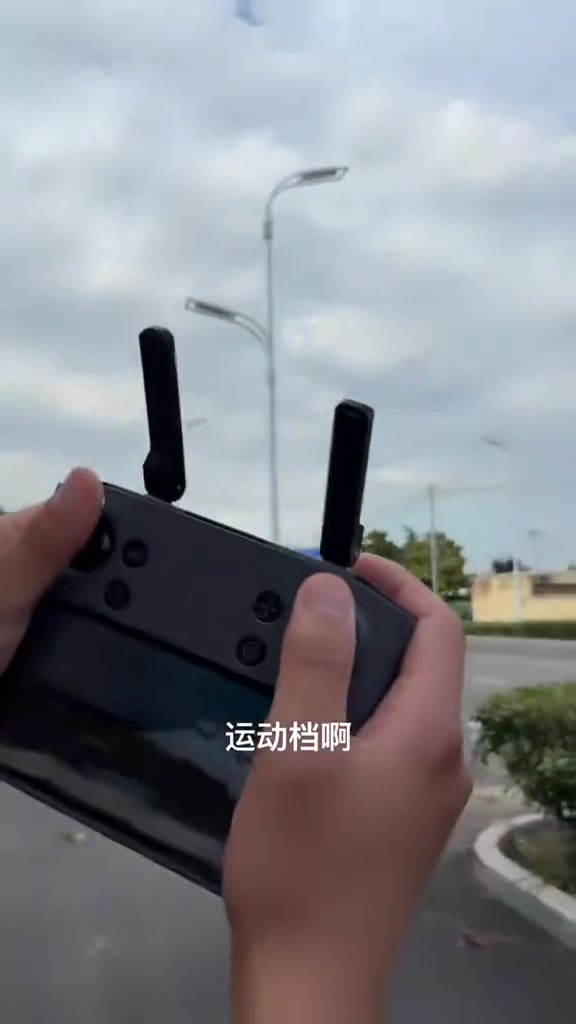
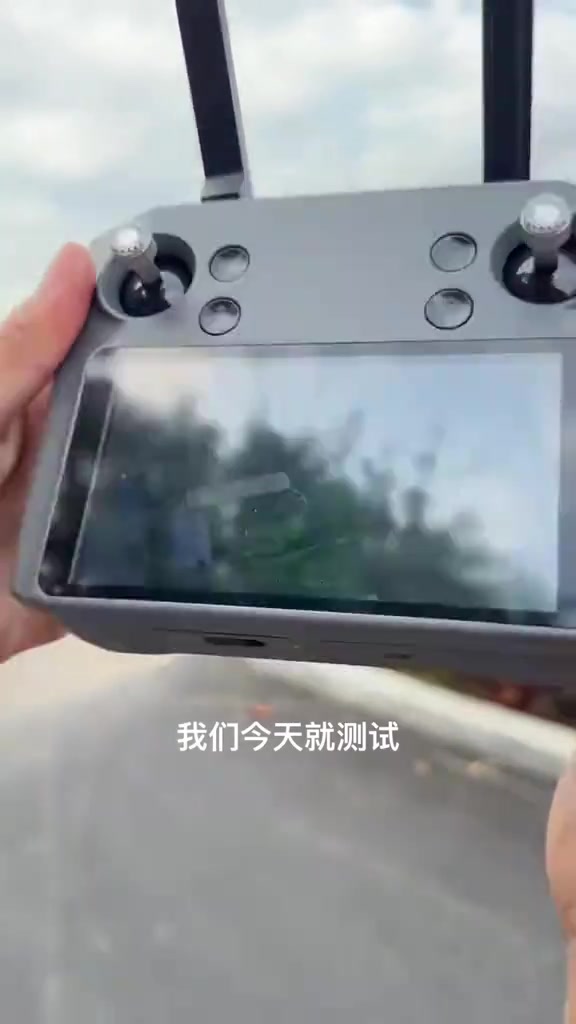
It includes normal mode and sport mode, you can directly adjust the drone's flight speed through the remote control, check the real-time flight altitude and distance data on the screen, the camera supports up and down adjustment, control the joystick to rotate the view left and right, the drone also supports zoom function, we will test its performance today.
Instructions for Use
Turn off the remote control directly, place it in the marking circle on the ground, and wait for the drone to perform intelligent return-to-home. This drone supports GPS loss-of-signal return, low-power return and one-key return functions, it returns extremely fast and arrives over our head before we finish speaking, then it executes landing automatically and descends at 3 meters per second slowly, we wait for it to finish landing.
Call to Action
The drone has recognized the takeoff point and is landing, we wait for it and catch it directly, if you like this drone, please give it a like.
Storyboard breakdown
Medium Shot
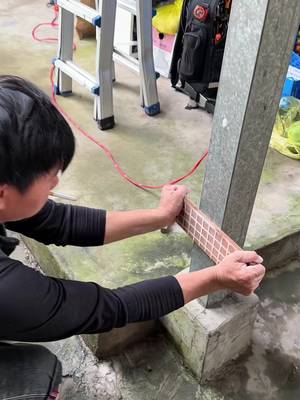
A man squats on the ground and sprays a white circular marking point around the drone with a spray paint can, then operates the remote control to unlock the drone's motor, takes off with one key, controls the drone to rise, rotate and fly at full speed into the distance.
Close-up
The camera focuses on the remote control with a screen, showing the real-time data of the drone's flight altitude and distance on the screen, operating the joystick to adjust the camera angle and rotate the picture, demonstrating the zoom function.
Extreme Long Shot
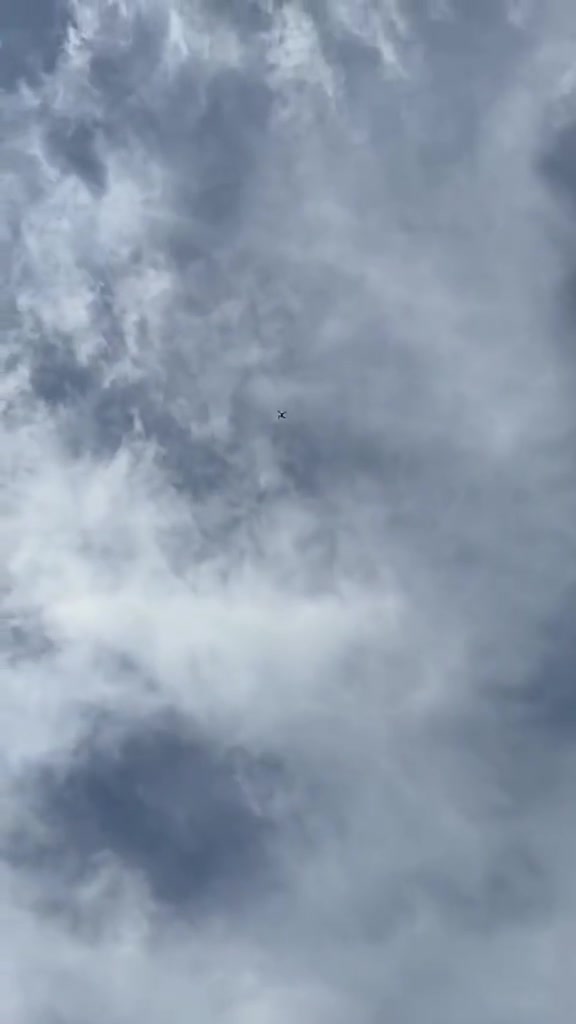
Turn off the drone remote control and place it in the white marking circle on the ground. The camera shoots upwards at the drone in the high-altitude clouds, showing it returning quickly and starting to descend slowly.
Medium Shot
The drone slowly descends from high altitude and flies back to the takeoff point. The man raises his hand to catch the drone steadily, shows it to the camera and makes a final thumbs-up gesture.
Frequently asked questions
First draw a circle on the ground for the drone to make a home point, take off the… video FAQ
Questions about this video’s creative strategy, creator, metrics, and creating a similar video.
What hook does this Flycam Mini E88 EVO Camera 240P - Máy Bay Điều Khiển Từ Xa Drone Mini product video use?
This video uses a “Shock-stat hooks” opening. The classification is based on the collected video content and available analysis fields, and can help explain how the first few seconds attract attention.
What selling angle and content structure does this video use?
Its primary selling angle is “Proof angle” and its content structure is “First-person POV.” Use these as strategic references, then adapt the execution to your own product, audience, and brand voice.
Is Anh Đức Digital VN the creator of this video?
The current dataset identifies Anh Đức Digital VN as the video creator. The creator name links to the corresponding public TikTok profile when available; account details may change over time.
Can I use this Flycam Mini E88 EVO Camera 240P - Máy Bay Điều Khiển Từ Xa Drone Mini video to create a similar video?
Yes, you can use it as a creative reference. Octer extracts the hook, pacing, content structure, and presentation pattern, then combines them with your product information instead of directly copying the original footage.
Are the views, engagement, and product metrics shown in real time?
No. The page shows the most recently collected public video and product data. Values may lag because of platform updates, reporting periods, or market changes, so treat them as research signals rather than real-time reporting.
What should I consider when creating content from this reference?
Do not directly reuse the original creator’s footage, music, likeness, or brand assets. Confirm your rights to all product and generated assets, and follow TikTok Shop, advertising-market, and applicable local rules before publishing.