In the analyzed video, Holden Mann uses a First-person POV structure, opens with Question hooks, and builds purchase intent through Scarcity angle. This observation is based only on this video's script, storyboard, and public performance data.
In the analyzed video, Holden Mann uses a First-person POV structure, opens with Question hooks, and builds purchase intent through Scarcity angle. This observation is based only on this video's script, storyboard, and public performance data.
Uma pergunta direta e muitas vezes levemente provocativa, como “por que o dela é tão maior?!”, chama a atenção com eficácia. Ao tocar em uma experiência comum ou curiosidade ainda sem resposta, essa abertura cria identificação rapidamente e incentiva o público a continuar para descobrir a resposta ou solução.
Essa perspectiva faz o público sentir que está vivendo a experiência em primeira pessoa. Cenas de selfie gravadas à mão mostram os detalhes e o uso do produto, criam uma sensação autêntica e imersiva, aproximam o espectador e despertam o interesse de compra.
Criar uma sensação de escassez pode levar o consumidor a comprar imediatamente. Os criadores devem dizer diretamente “compre antes que acabe” e explicar por que o estoque é limitado ou a procura está alta, como “lançamento novo, vendendo muito rápido”. Esse tom urgente incentiva a compra antes da hesitação.
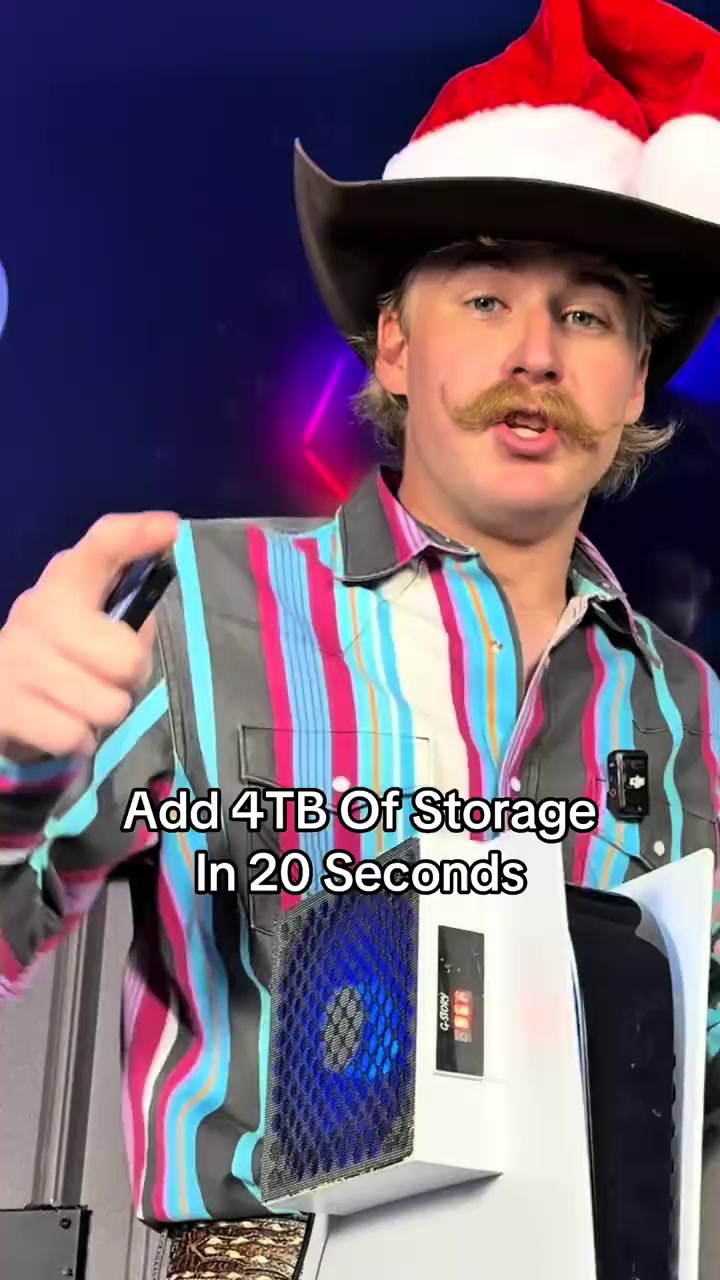
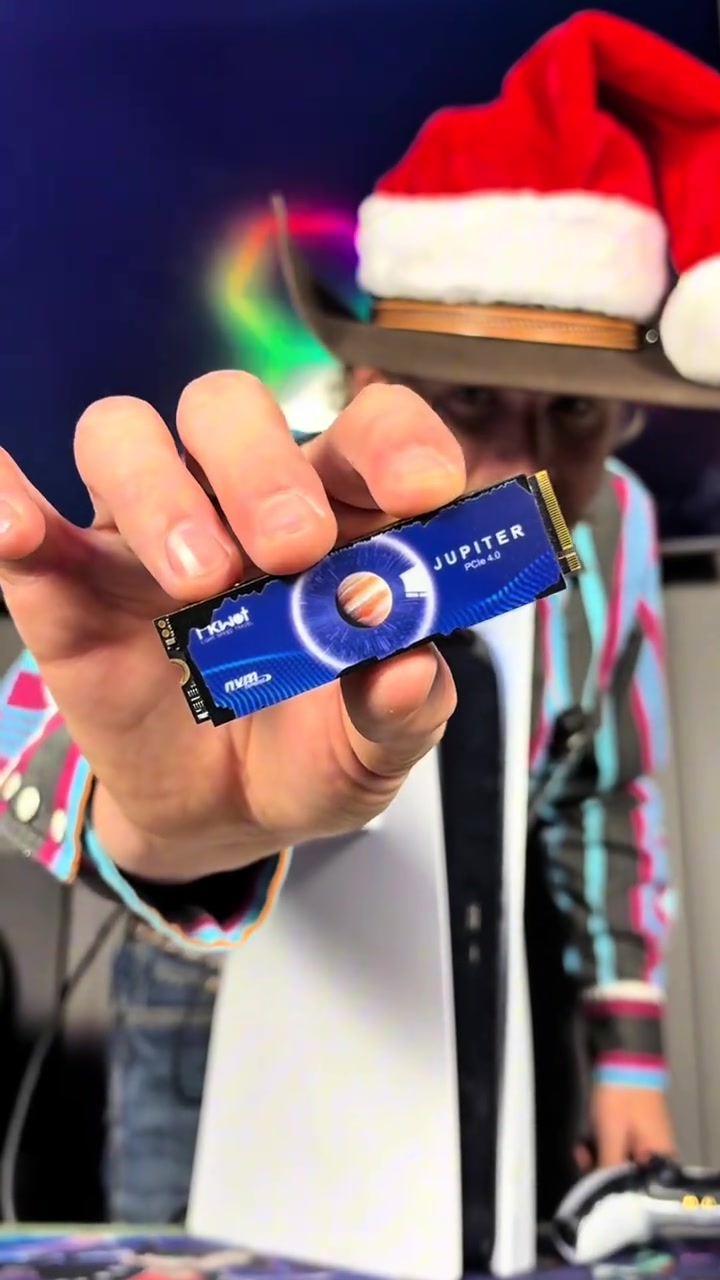
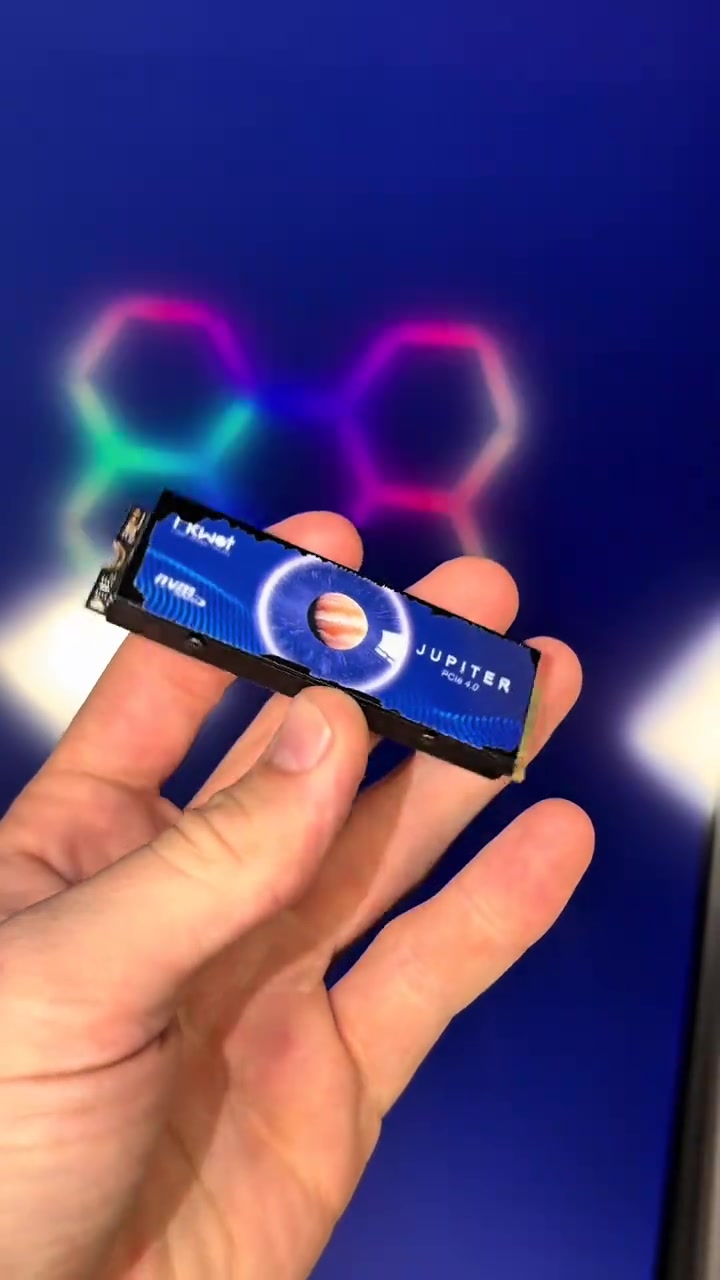
Do you want to add 4TB of storage to your PS5 in 20 seconds? Well this right here is exactly how you're gonna do it. The same upgrade also makes your PS5 better than a gaming PC. This right here is an NVMe M.2 SSD, and it allows you to add anywhere between 500 gigabytes of storage all the way up to 4 terabytes.
User Pain Points
And we were told the PS5 was gonna be able to play GTA 6, but that game's gonna be almost 500 gigabytes, and I guarantee you don't have that much storage on your PS5. Luckily you can install this upgrade in 20 seconds and have as much storage as you need to play the game.
Instructions for Use
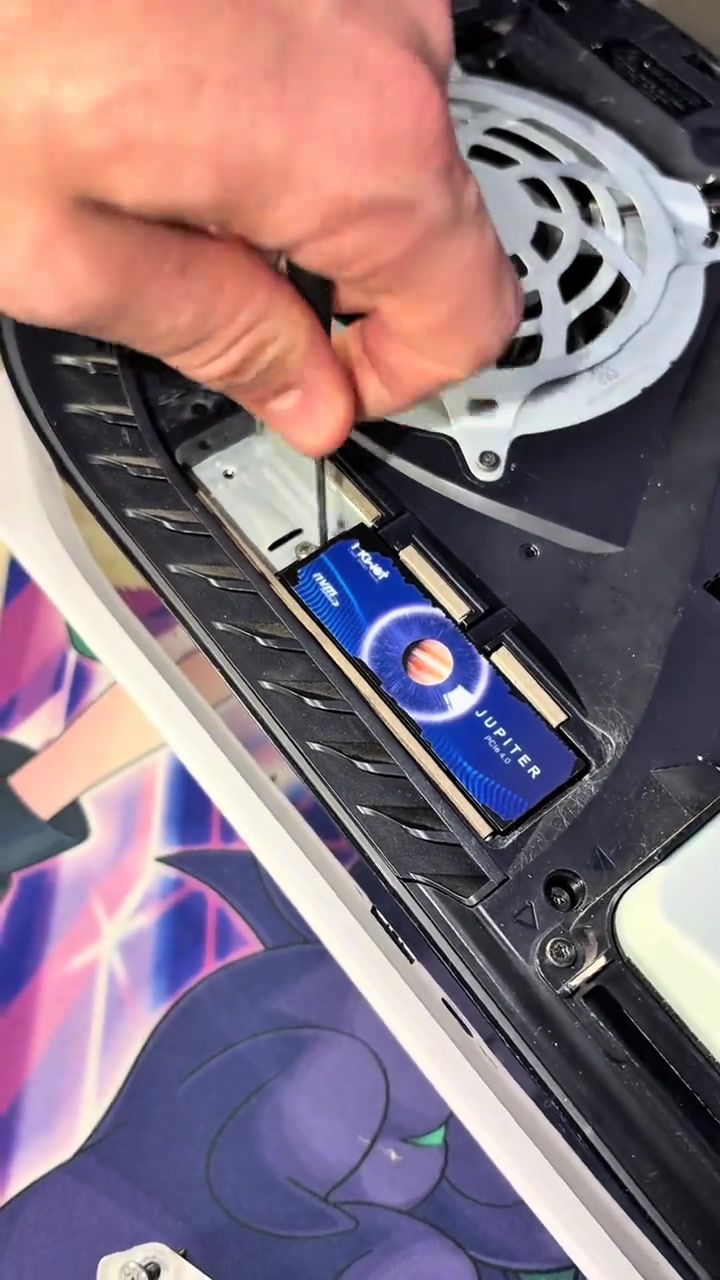
Just simply start by turning your PS5 off properly. Now set your PS5 upright, then go ahead and lay it down to the left. Peel up this back corner over here, pull the opposite direction, and that is gonna expose the SSD cover. Now take out screw number one to remove the cover, and that will expose the SSD slot. Now slide your SSD into place, secure it down, and it's all installed.
Promotional Offers
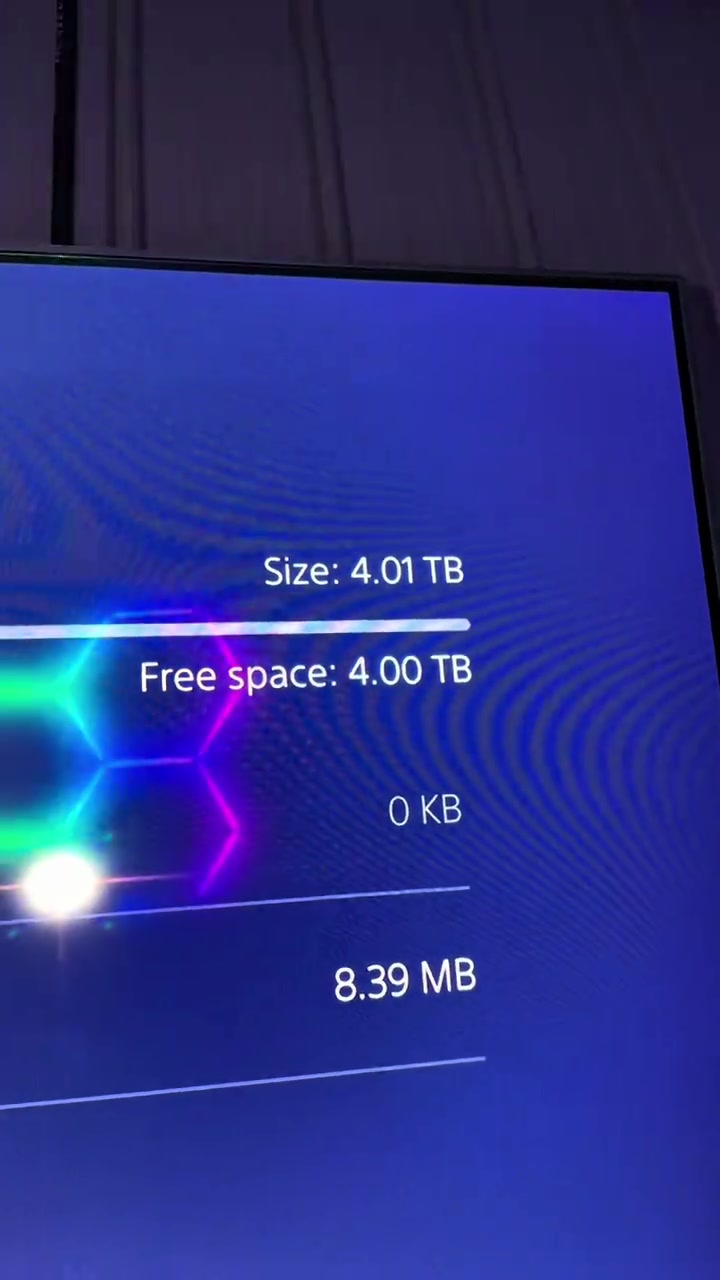
Now my PS5 is better than a gaming PC, and now I have 4 more terabytes of storage inside of my PS5. And I was only able to do that because I added an NVMe M.2 SSD, and I was only able to afford this because it was already on a discount, and then TikTok also decided to launch their Black Friday discount and stack it on top.
Call to Action
So these SSDs are so freaking cheap right now, and every single size they have is on a massive discount. But ever since they ran them at that cheap price, they have already sold out in a few of the select storage options they offer, so if you still see that link, I'd go get an SSD for your PS5 before the rest of the SSDs are sold out.
Análise do storyboard
Medium Shot
The male blogger holds the blue solid-state drive close to the camera for display, then switches to the PS5 console appearance, system storage interface, and the internal hard drive slot of the disassembled PS5, with colorful neon lights in the background.
Medium Shot
The male blogger stands next to the vertical PS5 explaining, the camera switches to the overall display of PS5 and the controller, then shows the PS5's system interface with only 5GB of remaining built-in storage, and cuts back to the close-up of the hard drive inside the disassembled PS5.
Medium Close-up
The camera first shows the TV screen with the PS5 shutdown prompt, the male blogger sequentially removes the PS5 shell, unscrews the heatsink cover screws of the hard drive, inserts the blue solid-state drive and screws back the fixing screws to complete the hardware installation.
Medium Shot
The male blogger stands next to the vertical PS5 with the installed hard drive explaining, the camera shows the PS5 system interface recognizing the new 4TB hard drive, then holds the solid-state drive to show its appearance from multiple angles, and cuts back to the close-up of the hard drive installed inside the PS5.
Medium Shot
The male blogger stands next to the PS5 holding the hard drive explaining the promotion, the camera switches to the disassembled PS5 display, the frame of the controller and hard drive placed in front of the PS5, and finally returns to the shot of the male blogger explaining.
Perguntas frequentes
Perguntas sobre o vídeo Add 4TB Of Storage In 20 Seconds
Perguntas sobre a estratégia criativa, o criador, as métricas e a criação de um vídeo semelhante.
Qual gancho inicial o vídeo de FIKWOT FX910 PCIe 4.0 M.2 2280 Internal NVMe SSD with Graphite Heatsink utiliza?
O vídeo começa com “Gancho com pergunta”. A classificação usa o conteúdo coletado e os dados de análise para explicar como os primeiros segundos atraem atenção.
Qual ângulo de venda e estrutura este vídeo utiliza?
O principal ângulo é “Ângulo de escassez” e a estrutura é “POV em primeira pessoa”. Adapte essas ideias ao seu produto, público e voz de marca.
Holden Mann é o criador deste vídeo?
Os dados atuais identificam Holden Mann como criador. Quando disponível, o nome leva ao perfil público no TikTok.
Posso usar o vídeo de FIKWOT FX910 PCIe 4.0 M.2 2280 Internal NVMe SSD with Graphite Heatsink para criar um semelhante?
Sim. A Octer usa gancho, ritmo, estrutura e apresentação como referência e combina esses elementos com as informações do seu produto sem copiar o material original.
Visualizações, engajamento e dados do produto são em tempo real?
Não. A página mostra os dados públicos coletados mais recentemente, que podem sofrer atrasos por atualizações da plataforma e períodos de relatório.
O que devo considerar ao criar conteúdo com esta referência?
Não reutilize diretamente vídeo, música, imagem ou ativos de marca do criador. Confirme os direitos e as regras aplicáveis antes de publicar.